INTRODUCTION
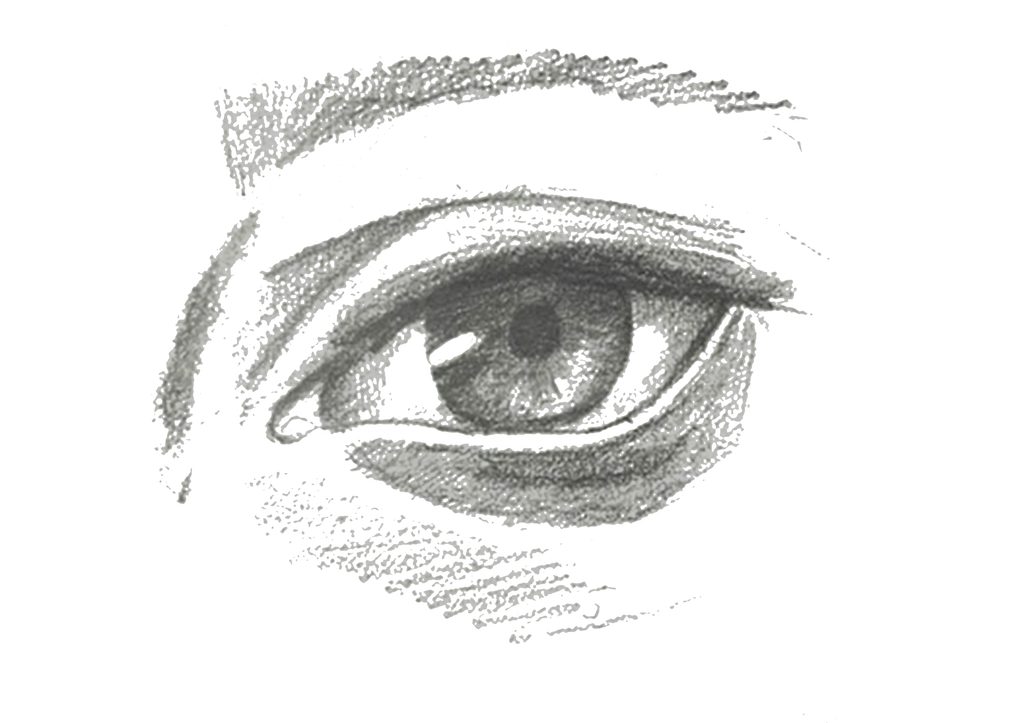
Hi, this is Mechanical Iris. Our project started with a camera lens and eyes, and more specifically, with the way they capture light. In photography, the aperture does a lot of the work. It decides how much light gets in, and that changes everything: the mood, the atmosphere, even the way we feel about a picture.
If you think about it, people work a bit like that too. As we go through life, we capture moments. Some fade away, while others stay with us, almost like photographs in our memories.
CONCEPT & DESIGN
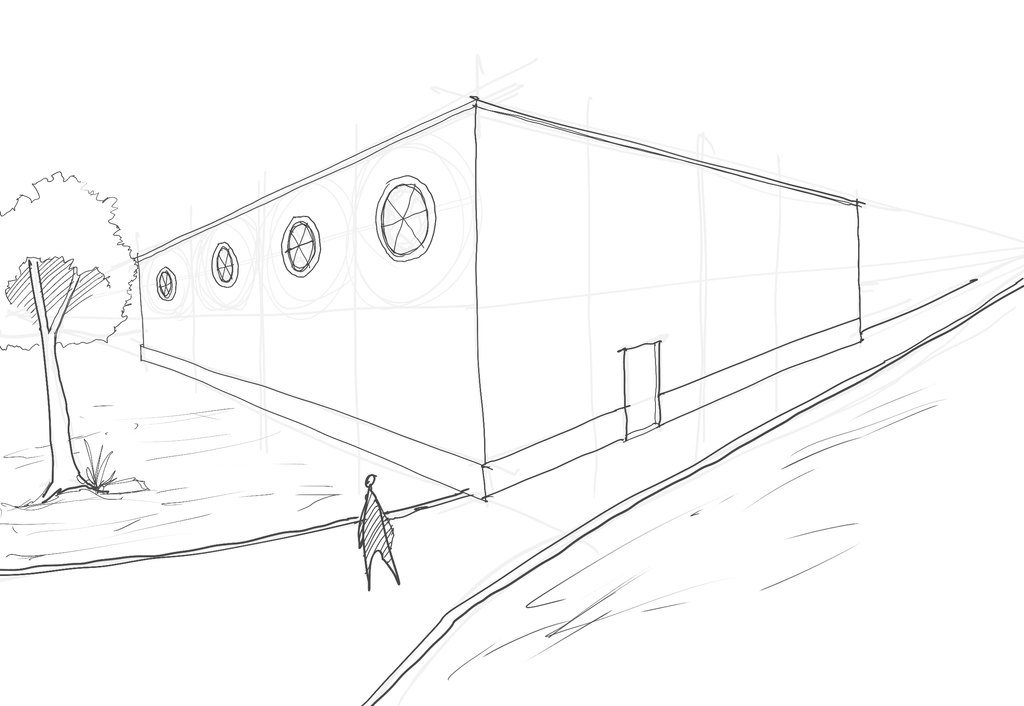
This got us thinking about windows. In architecture, they play a very similar role. They frame what we see, connect us to the world outside and, most importantly, let light into our spaces. So we asked ourselves: what if a window could open and close like a lens?
Conceptual Sketch
This question become our entire project. For this we wanted to start with something small. A prototype of this idea that could one day work at the scale of a real building. Our approach was simple: move a joystick, and the iris opens or closes. No complicated controls. Just your hand and the light, in a way that feels easy, comfortable and safe. Maybe in the future it can also become automatic and deals with harsh weather conditions.
ASSEMBLING AND FABRICATION
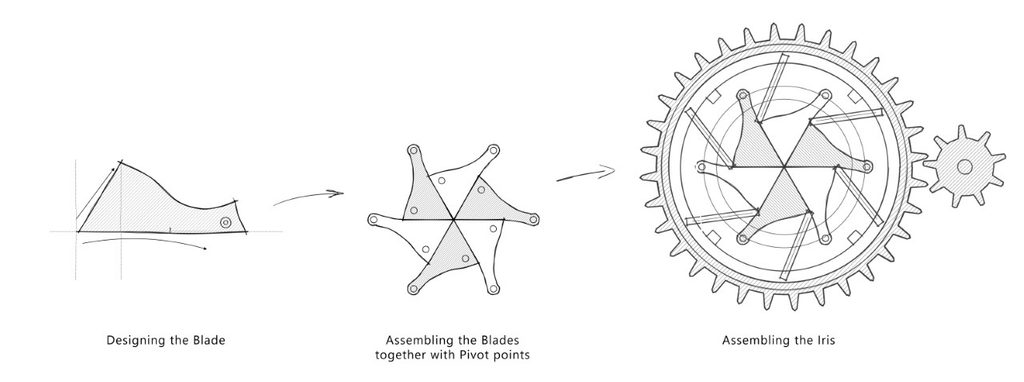
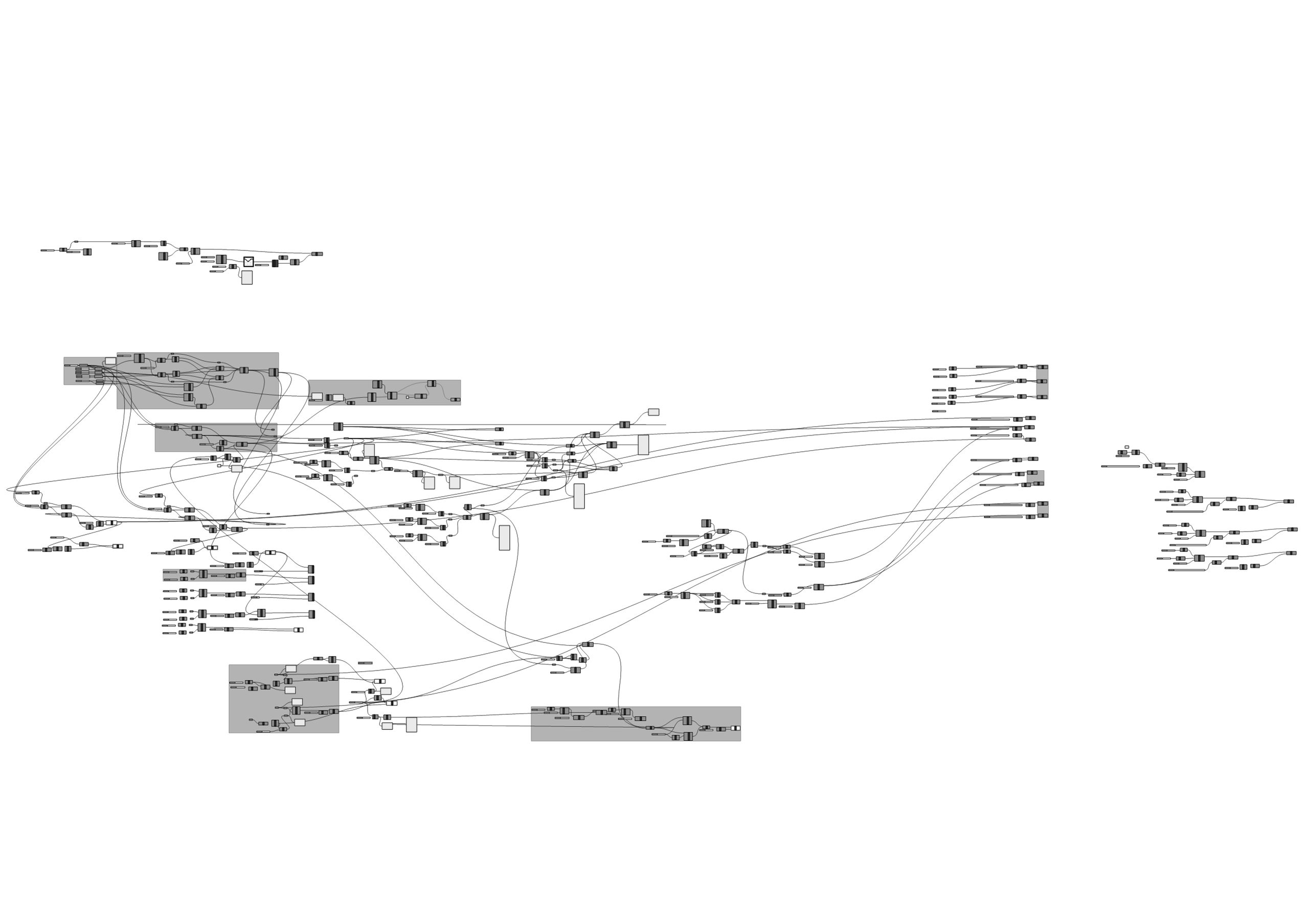
Getting there was not simple. An Arduino Uno reads the joystick and tells a servo motor where to go. The servo turns a gear, which turns a bigger gear, which rotates the iris blades. A button snaps it fully open or closed, and a small buzzer beeps at each end. We also built a digital twin and then we wrote a code in Arduino that sends the servo angle to Grasshopper, and our Rhino model moves in real time with the joystick. Watching it respond to our hand for the first time was a great moment.
ARDUINO CODE
#include <Servo.h>
// MODE
#define GH_MODE 1 // ADDED: 1 = Grasshopper (numbers only), 0 = Serial Monitor (readable text)
// CONNECTIONS
#define JOY_X A0
#define JOY_Y A1
#define BUTTON 2
#define SERVO_PIN 6
#define BUZZER 5
Servo iris;
// SETTINGS
float opening = 50;
int centerX = 512;
int centerY = 512;
const int CLOSED = 0;
const int OPEN = 180;
const int DEADZONE = 120;
const float SPEED = 2.0;
// BUTTON
bool lastButton = HIGH;
bool nextOpens = true;
unsigned long lastClick = 0;
// SOUND
int melody = 0;
int note = 0;
unsigned long nextNote = 0;
int lastEndpoint = -1;
// TIMING
unsigned long lastMove = 0;
unsigned long lastPrint = 0;
void setup() {
Serial.begin(115200);
pinMode(BUTTON, INPUT_PULLUP);
pinMode(BUZZER, OUTPUT);
// Calibrate joystick
long xTotal = 0;
long yTotal = 0;
for (int i = 0; i < 50; i++) {
xTotal += analogRead(JOY_X);
yTotal += analogRead(JOY_Y);
delay(5);
}
centerX = xTotal / 50;
centerY = yTotal / 50;
iris.attach(SERVO_PIN);
iris.write(90);
if (!GH_MODE) Serial.println(“IRIS READY!”); // CHANGED: text only in Serial Monitor mode
}
void loop() {
unsigned long now = millis();
// Track time since Arduino started
// 1. BUTTON: OPEN OR CLOSE
bool pressed = digitalRead(BUTTON);
if (lastButton == HIGH && pressed == LOW
&& now – lastClick > 200) {
opening = nextOpens ? 100 : 0;
nextOpens = !nextOpens;
lastClick = now;
}
lastButton = pressed;
// 2. JOYSTICK MOVEMENT
if (now – lastMove >= 30) {
lastMove = now;
int x = analogRead(JOY_X) – centerX;
int y = analogRead(JOY_Y) – centerY;
if (abs(x) < DEADZONE) x = 0;
if (abs(y) < DEADZONE) y = 0;
int movement = abs(x) >= abs(y) ? x : y;
opening += (movement / 512.0) * SPEED;
opening = constrain(opening, 0.0, 100.0);
// 3. CONVERT PERCENTAGE TO SERVO ANGLE
int angle = CLOSED +
(opening / 100.0) * (OPEN – CLOSED) + 0.5;
iris.write(angle);
// 4. DETECT FULLY OPEN OR CLOSED
int endpoint = -1;
if (opening >= 99.9) endpoint = 1;
if (opening <= 0.1) endpoint = 0;
if (endpoint != lastEndpoint && endpoint != -1) {
melody = endpoint == 1 ? 1 : 2;
note = 0;
nextNote = now;
noTone(BUZZER);
}
lastEndpoint = endpoint;
}
// 5. BUZZER MELODIES
if (melody != 0 && now >= nextNote) {
if (note < 3) {
int frequency;
if (melody == 1) {
frequency = 500 + note * 250;
} else {
frequency = 1000 – note * 250;
}
tone(BUZZER, frequency, 130);
note++;
nextNote = now + 175;
} else {
melody = 0;
}
}
// 6. SERIAL OUTPUT (CHANGED: numbers only for Grasshopper, faster updates)
if (now – lastPrint >= (GH_MODE ? 50UL : 300UL)) {
lastPrint = now;
if (GH_MODE) {
Serial.println(iris.read()); // e.g. “90” -> Grasshopper Values
} else {
Serial.print(“Opening: “);
Serial.print(opening, 1);
Serial.print(“% | Angle: “);
Serial.println(iris.read());
}
}
}
Documentation
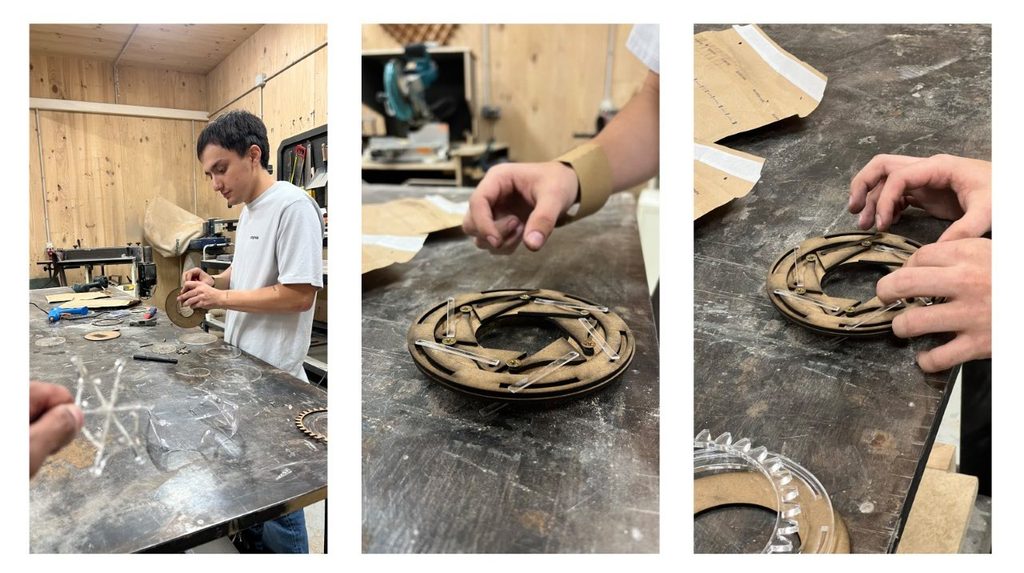
Then came the workshop. We laser-cut every blade, plate and gear in MDF and spent hours fitting pieces and fixing friction, one pivot at a time.