
Computational Design Seminar
Referential Facade
The Main Components and Logic
Pseudo Code and Form Finding
Parameterization
Catalog of the Iterations
Final render
Animation Video
References
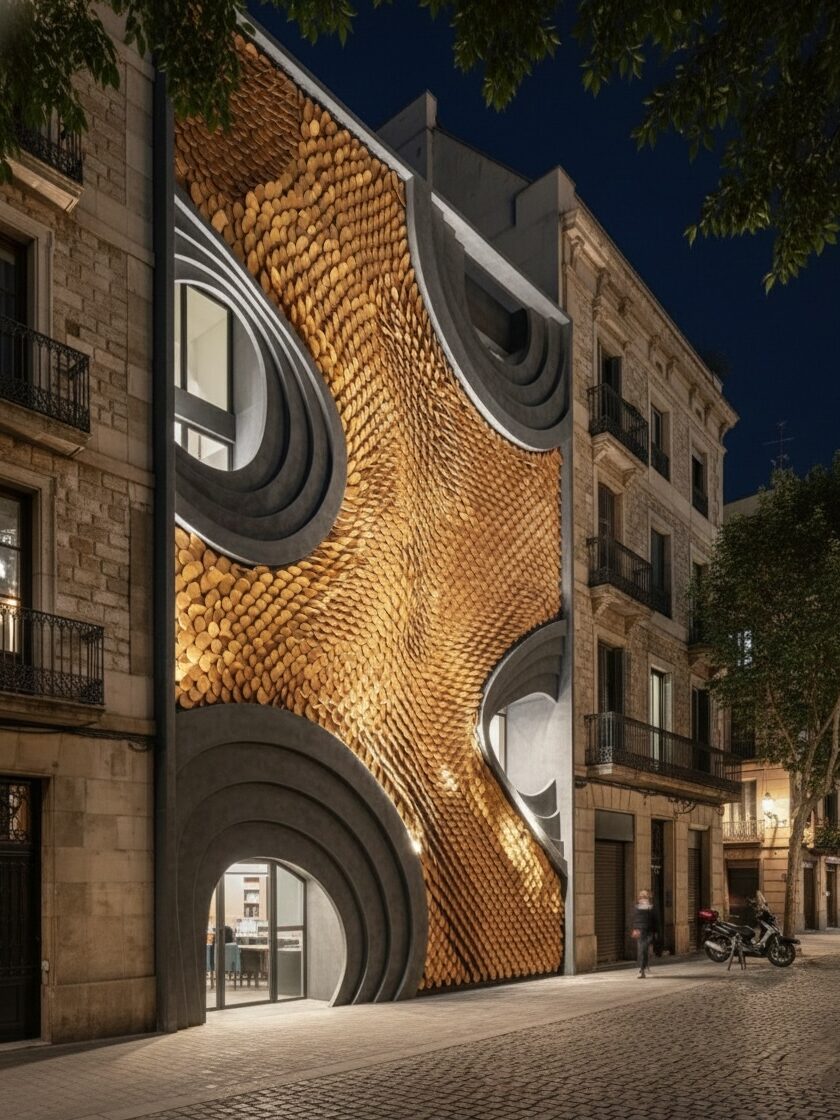
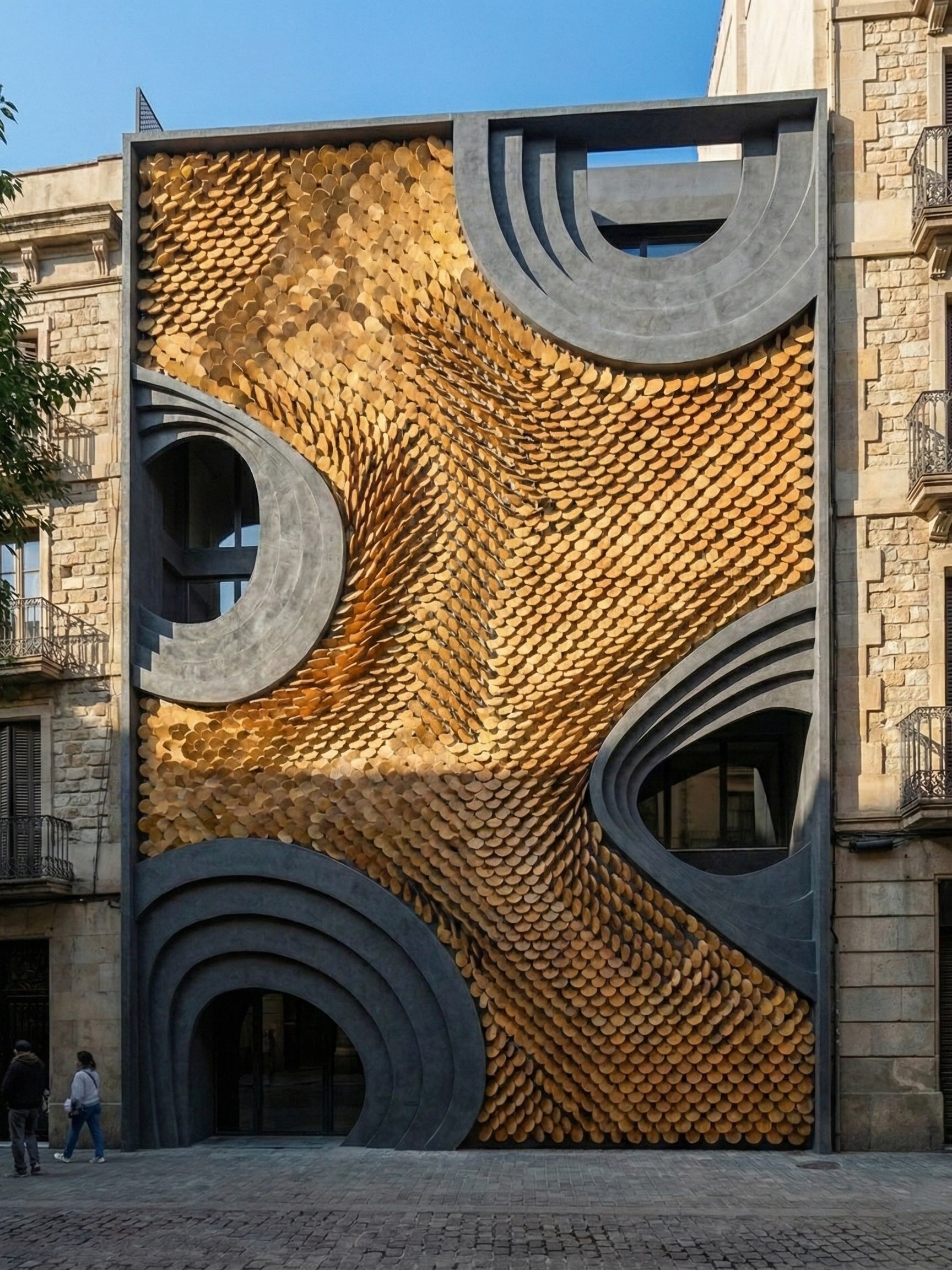
Studio Ardete’s Headquarters
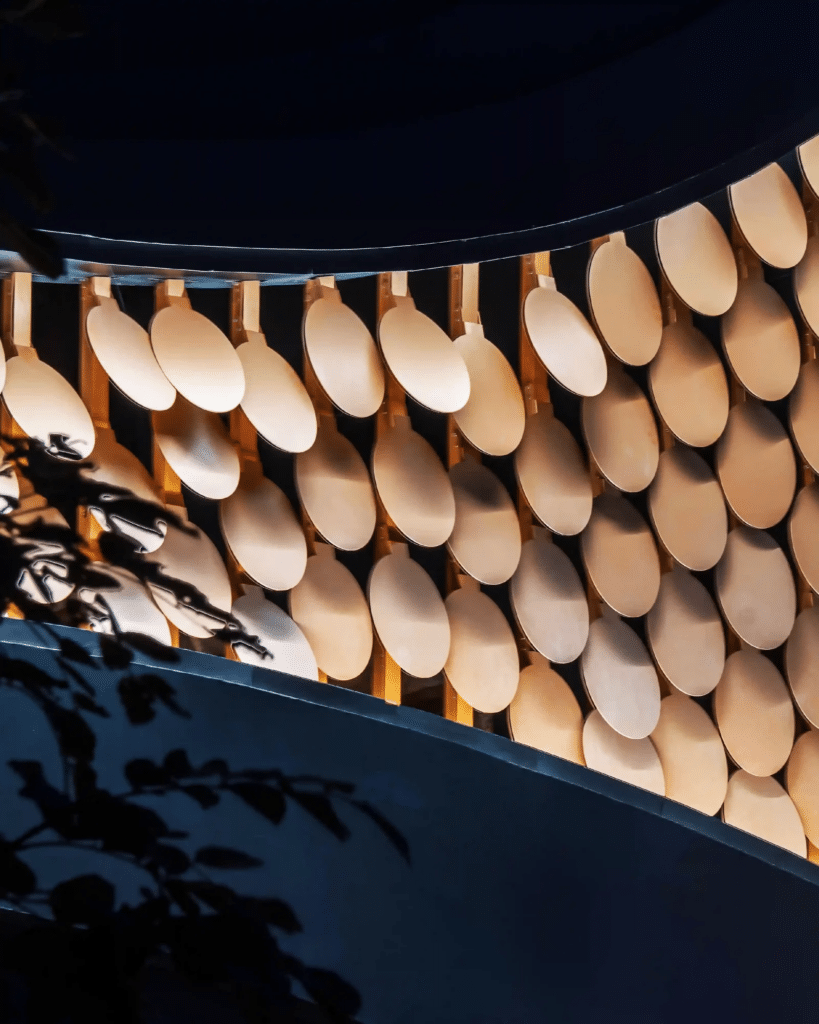
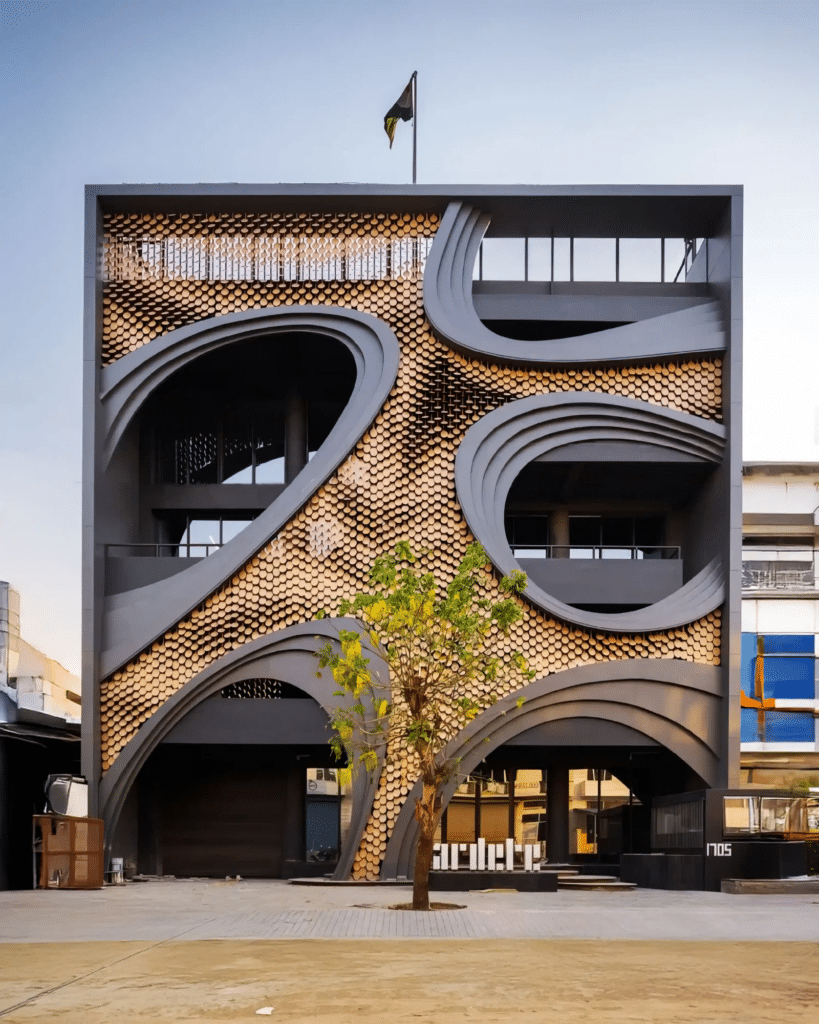
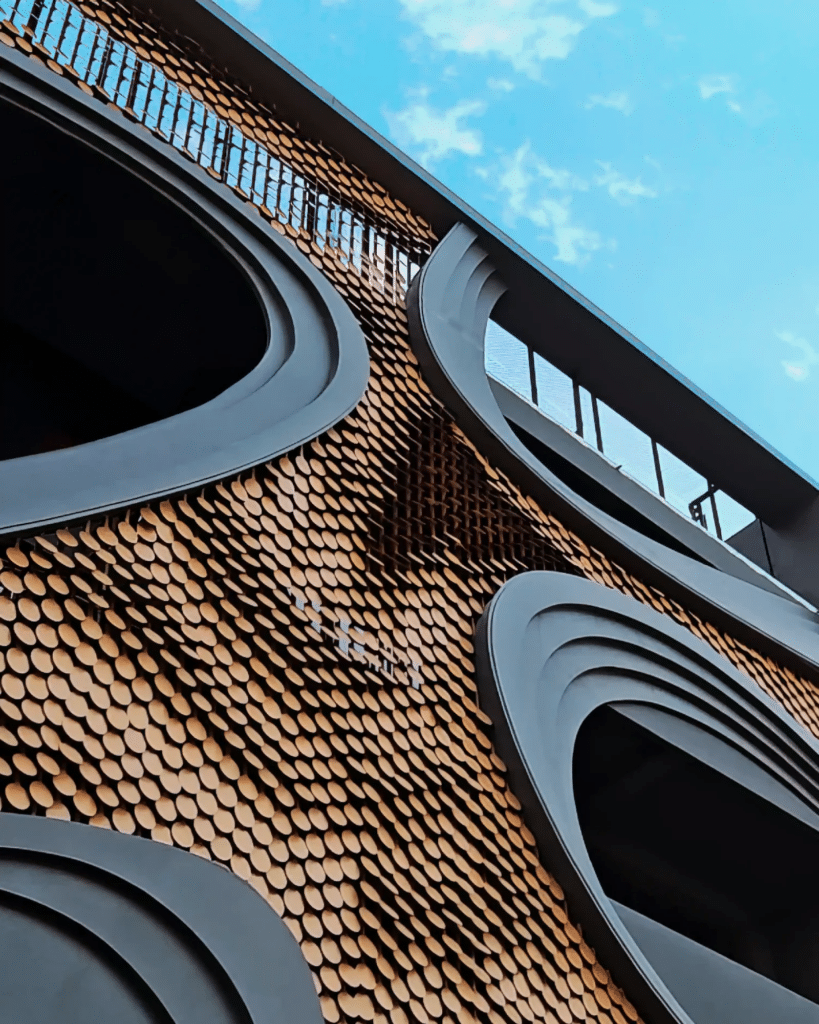
Image credits: Studio Ardete’s Headquarters in Mohali, India by Parametric Architecture
Facade Responds to Light, Wind, and Motion, with its ever-evolving appearance. At the heart of the design is MetaSequin, a modular, reflective parametric façade element. These circular sequins interact with natural forces like wind and light, creating a playful, ever-changing surface that shimmers and transforms throughout the day and night, keeping the façade in constant dialogue with its surroundings.
The Main Components and Logic
Frame of the Building
Select 3 sides of the offset to create the main frame for our building and the surface for our project.
Organic Stepped Openings
Begin with the base façade surface and create five organic, randomly distributed openings.
– Surface Segmentation
Split the façade into two zones: the openings region, and the remaining continuous façade surface where the pattern will be applied.
–Frames of the Openings
Apply stepped offsets to each opening to produce depth, thickness, and a layered boundary condition.
Structural Rod Framework
Divide the remaining façade surface with a series of vertical structural rods. These act as the supporting framework for the MetaSequin system.
Rotational Meta-sequin fixed on the vertical rods
– MetaSequin Module
Develop a single parametric MetaSequin unit circular disc with controllable parameters.
–Dynamic Rotation Field
Assign each MetaSequin a rotation angle driven by Attractor points and Sine waves.
Pseudo Code and Form Finding
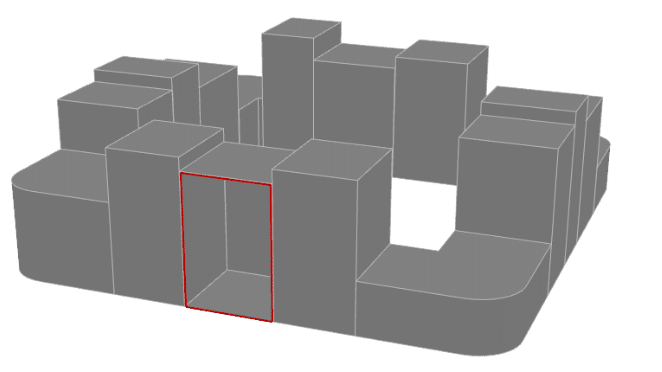
The chosen block for the construction of the facade was the block number 5. Using the block and the reference’s logic presented, a pseudo-code was created. Therefore, it was possible to replicate the facade in Grasshopper

Parametrization
- Offset Curve ( Frame and Surface)Offset Curve (Frame and Surface)
- Extrude (Frame Thickness)
- Populate Geometry (Opening)
- Circle (Opening size min/max)
- Tween Through Curves (Number of Opening frames)
- Series (Step between frames of opening)
- Divide Surface ( Control no. of discs)
- Rectangle( Vertical rods dimensions)
- Ellipse (R1/R2)
- Evaluate Surface (MD Slider affect discs rotations)
- Graph Mapper (Sine affect discs rotations)
- Construct Domain (Min/Max Angle rotation)
Catalog of the Iterations
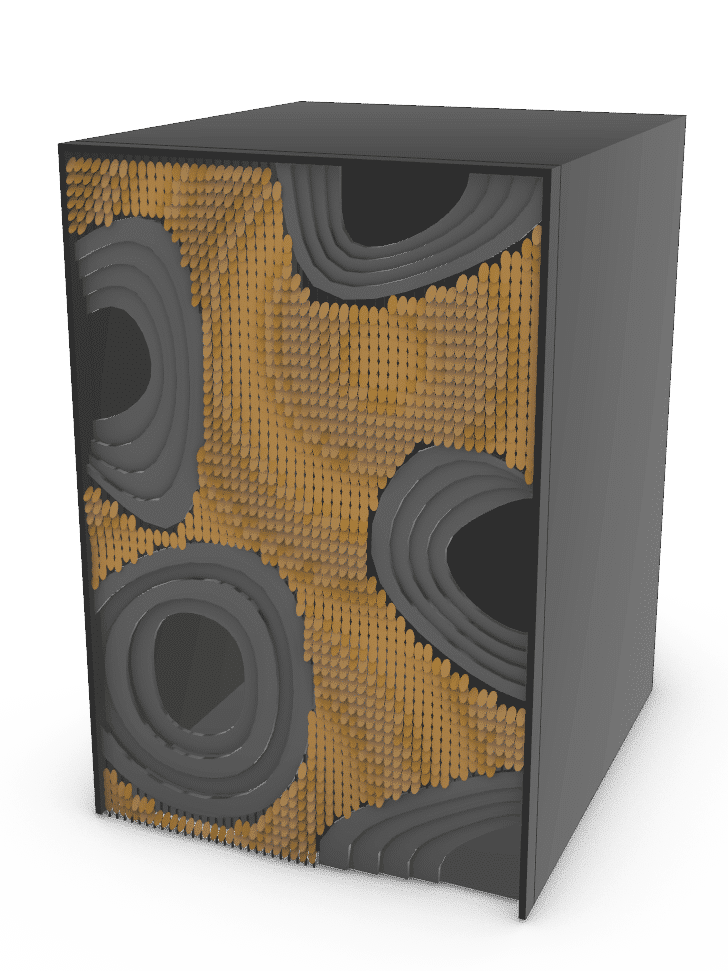
Populate Geometry
-Count of opening: 5
-Seed: 10

Populate Geometry
-Count of opening: 5
-Seed: 49
Opening Circle
-2 Min, 5 Max
Attractor points(Evaluate Surface)
-MD(0.06,0.96), MD(0.82,0.49)
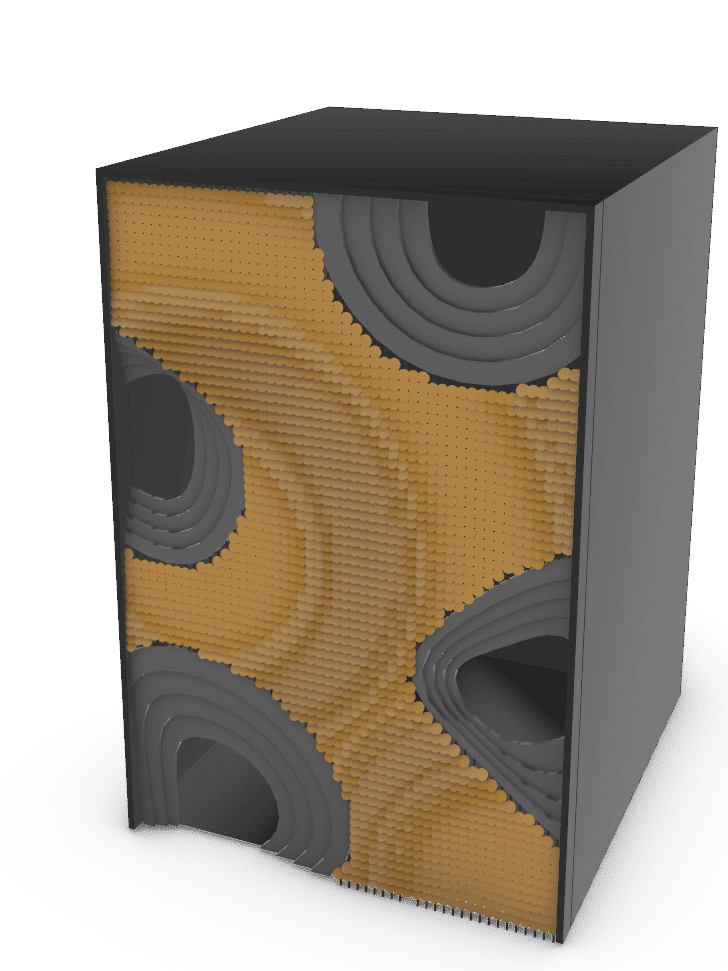
Divide Surface(no. Of discs
-U count (50)
-V count (150)
Graph type for rotation
-Sine Summation
Ellipse (CIRCLE)
-R1(0.25), R2(0.25)
Grasshopper Animation
Final Render
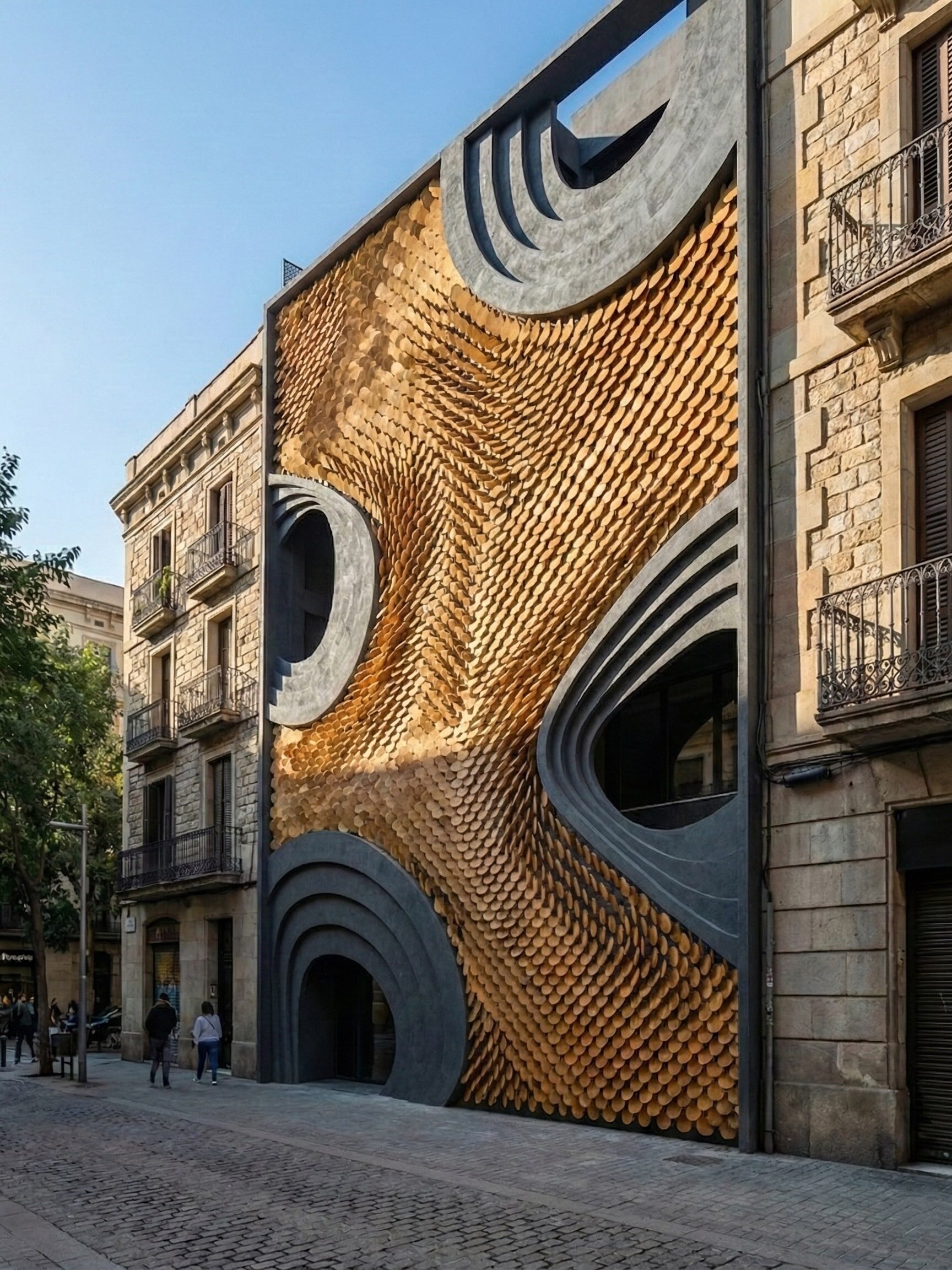
References
- https://parametric-architecture.com/studio-ardetes-headquarters-facade/?srsltid=AfmBOoqoDkqTE_9hN-Ec9ME9cCvmJTrD2dFEGbUXkGUW4xBT4C20oeuD
