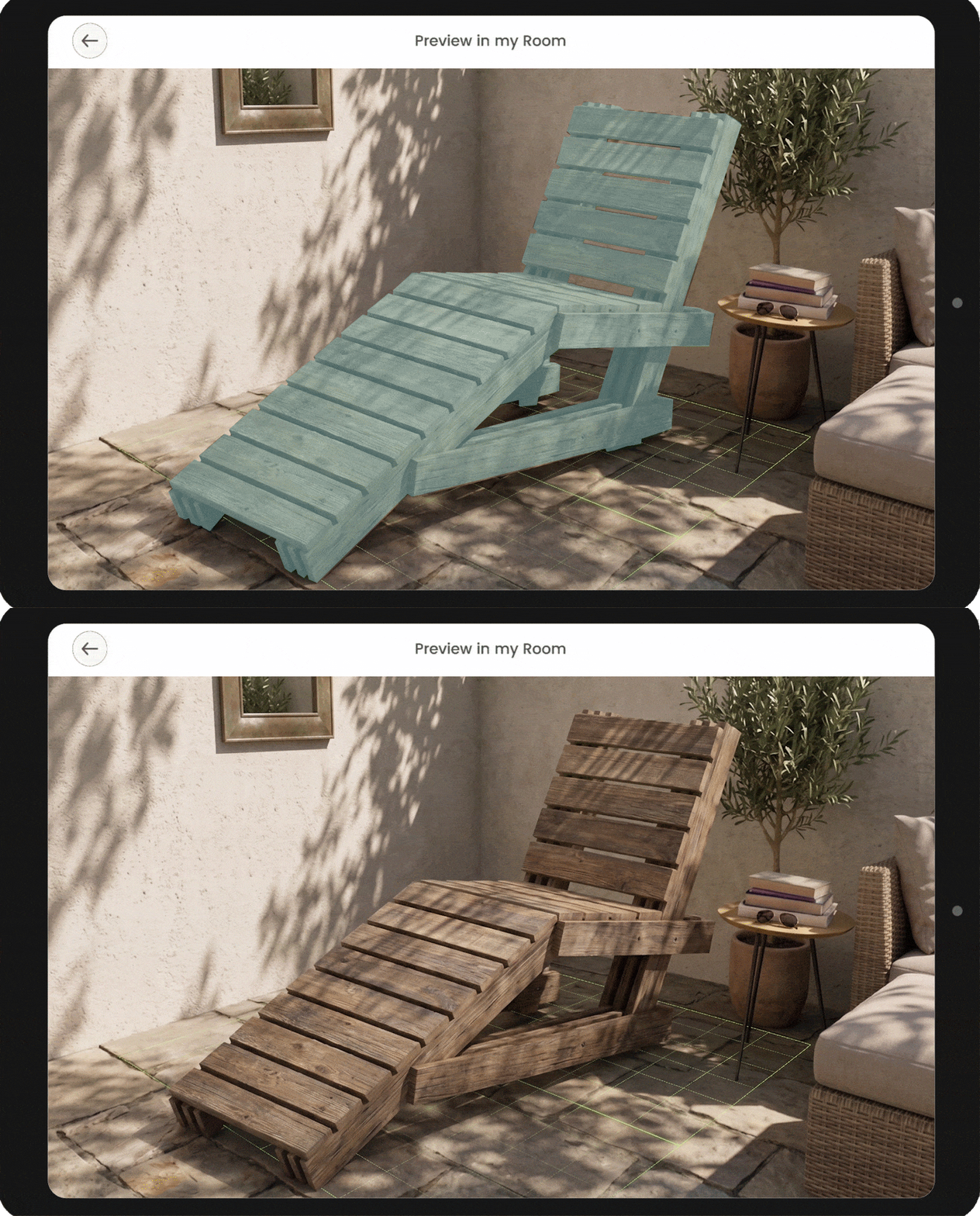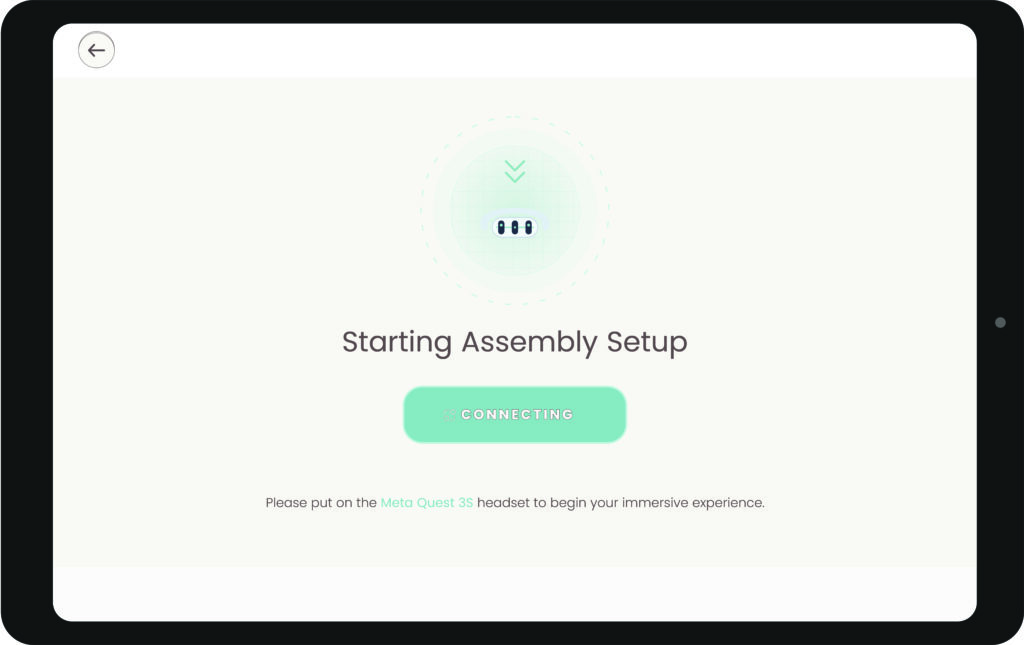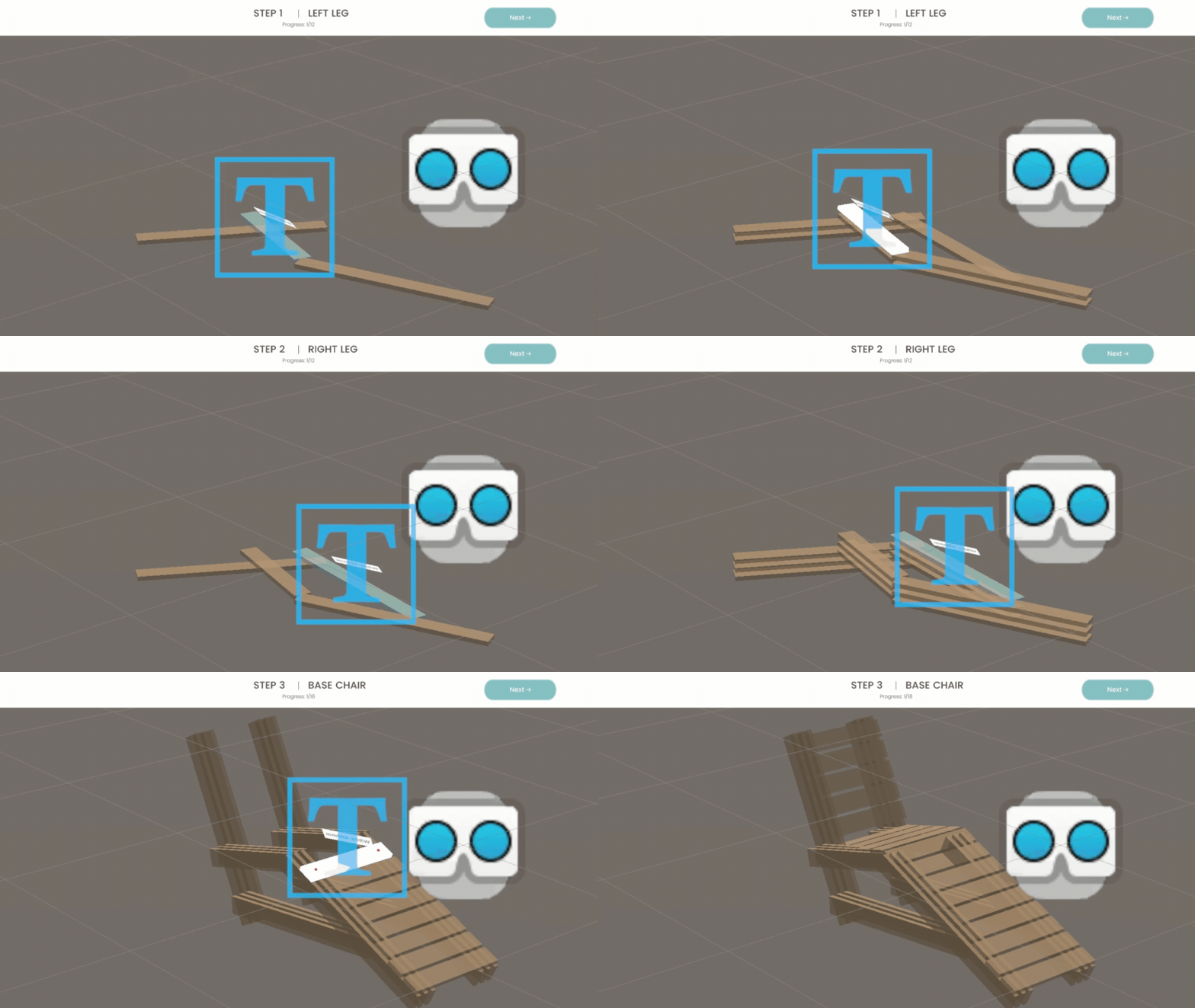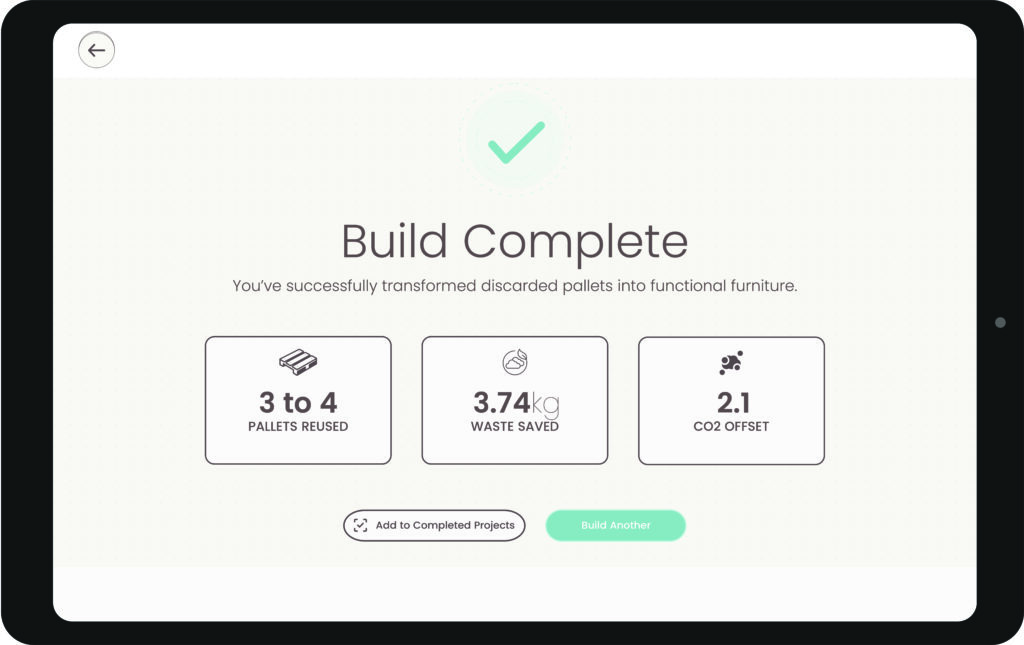
This project presents a mixed reality (XR) and Augmented Reality (AR) framework to upcycle wooden shipping pallets into architectural elements. Addressing timber waste, it empowers novice makers via a dual-device workflow. A tablet serves as the planning interface for designs and cut lists. Concurrently, an AR environment—accessed when users put on the Meta Quest 3S headset—provides step-by-step spatial guidance. The headset overlays holographic placement previews and fastening points directly onto the workspace, translating raw sticks into completed builds. Finally, the system quantifies environmental impact, tracking diverted waste. ReCraft lowers the barrier to entry, democratizing sustainable circular craftsmanship.
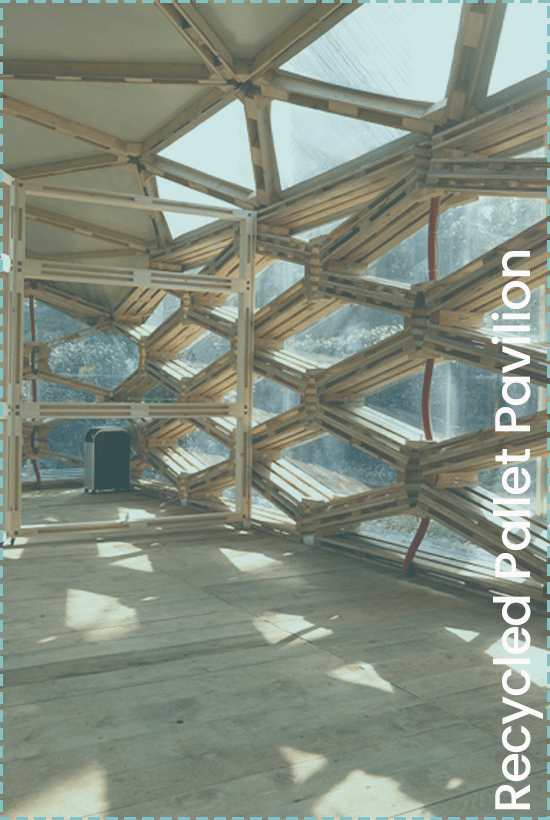
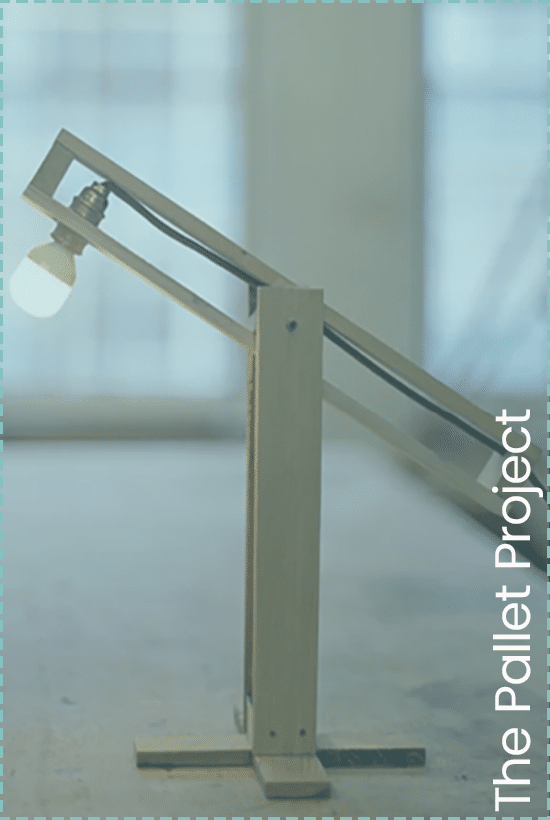
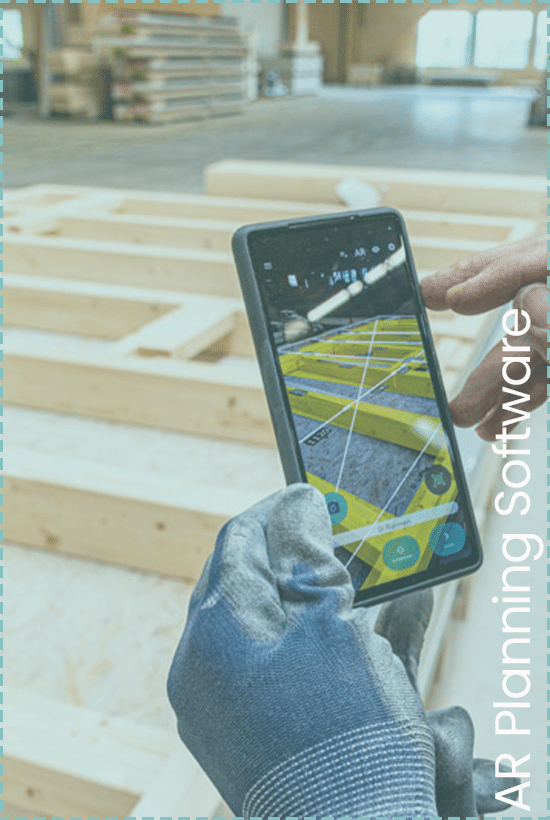
To frame our project, we looked at three key references. First, Avatar Architettura’s Recycled Pallet Pavilion, which demonstrates the structural potential and scalability of pallets in architecture. Second, Studiomama’s Pallet Project, which proves how reclaimed wood can be transformed into accessible, high-quality furniture design. However, working with irregular wood is challenging. That’s why our third reference is Gramazio Kohler’s AR Planning Software, which uses Augmented Reality to bypass traditional 2D drawings and guide physical assembly directly. Our project merges these three concepts: upcycling, design, and AR fabrication.
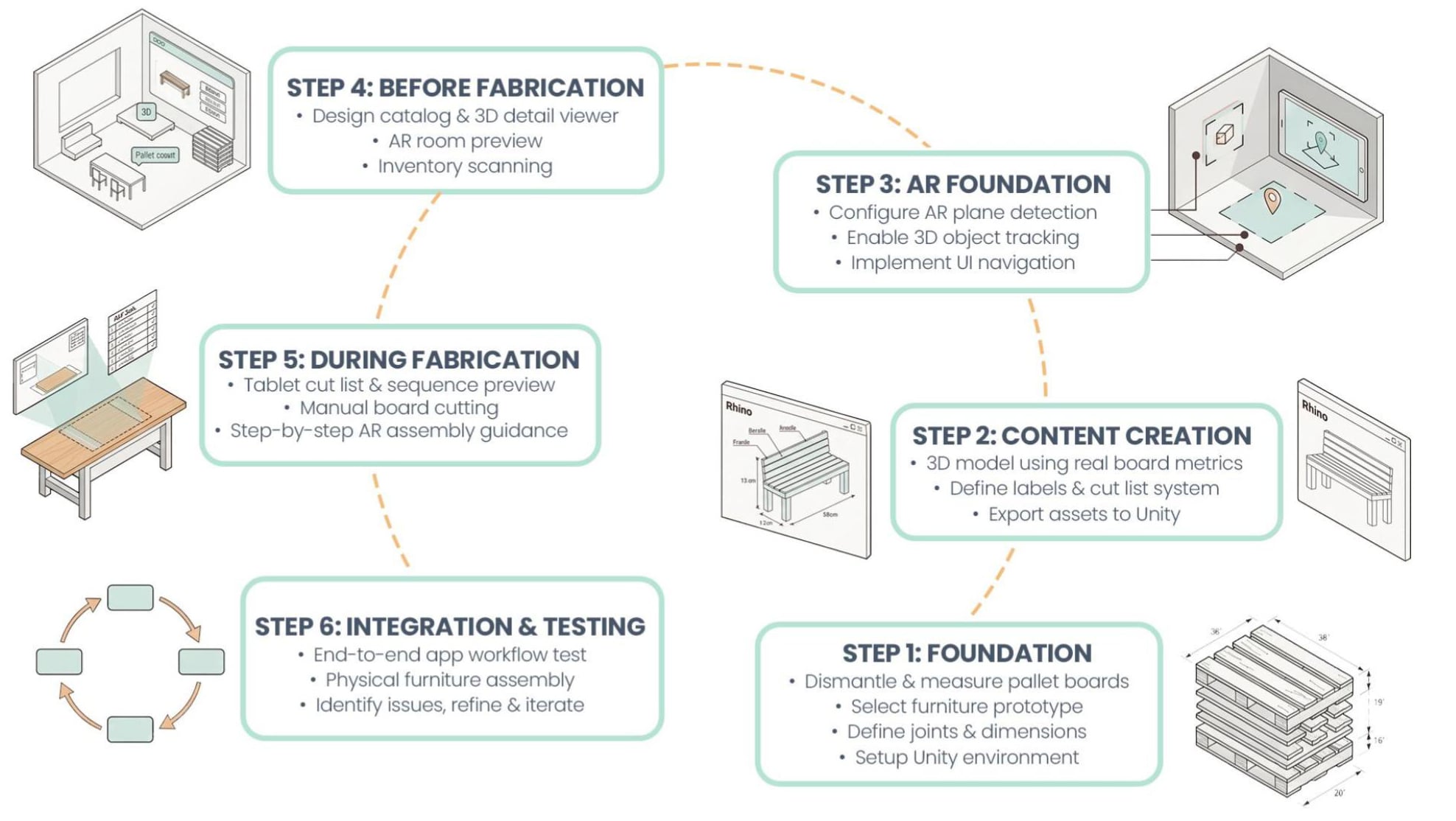
To build this system, we followed a structured development workflow. We started with Steps 1 and 2, starting our work in the physical world by measuring real pallets and translating them into accurate 3D models and cut lists in Rhino. In Step 3, we brought these assets into Unity to build our AR foundation. Steps 4 and 5 represent the core of our application: developing the tablet interface for the preparatory phases and programming the spatial AR guides. Finally, Step 6 is our integration phase, where we physically assemble the furniture using only our app to validate and refine the entire system.
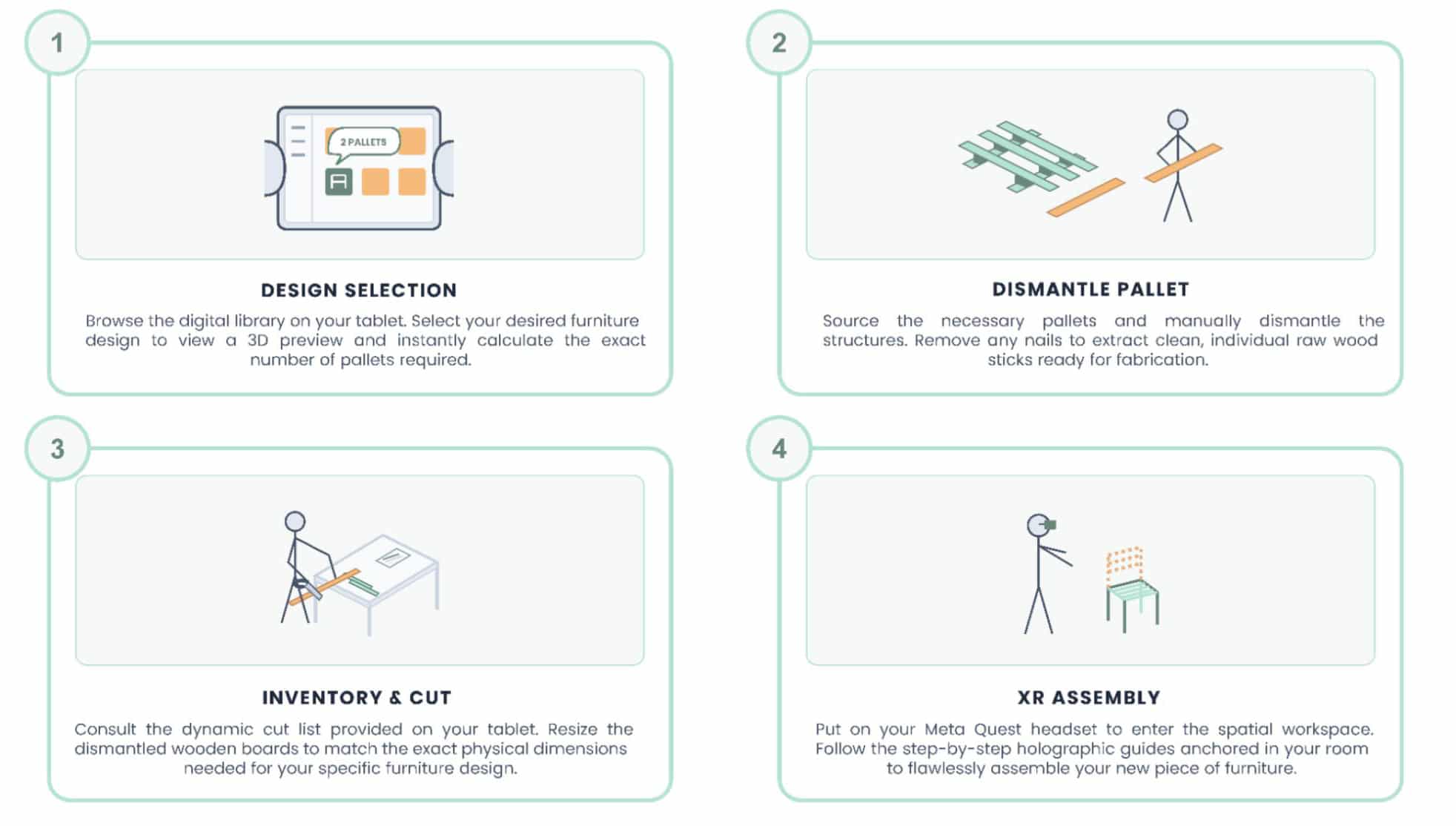
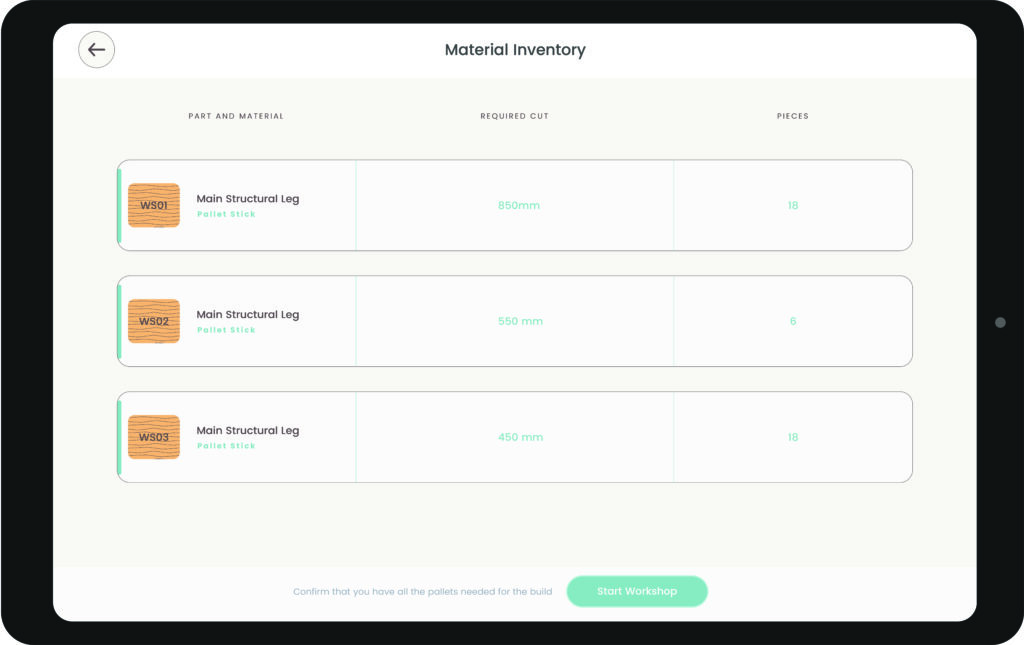
While our backend is complex, the user experience is designed to be seamless and straightforward. First, the user selects a design on their tablet and instantly sees the required pallet count. Second, they source and dismantle the pallets into raw sticks. Third, the tablet provides a dynamic cut list, guiding the user to measure and size the boards to the exact required dimensions. Finally, the user puts on the Meta Quest headset. Holographic guides are projected directly into their workspace, allowing them to flawlessly assemble the furniture step-by-step, without any paper instructions.
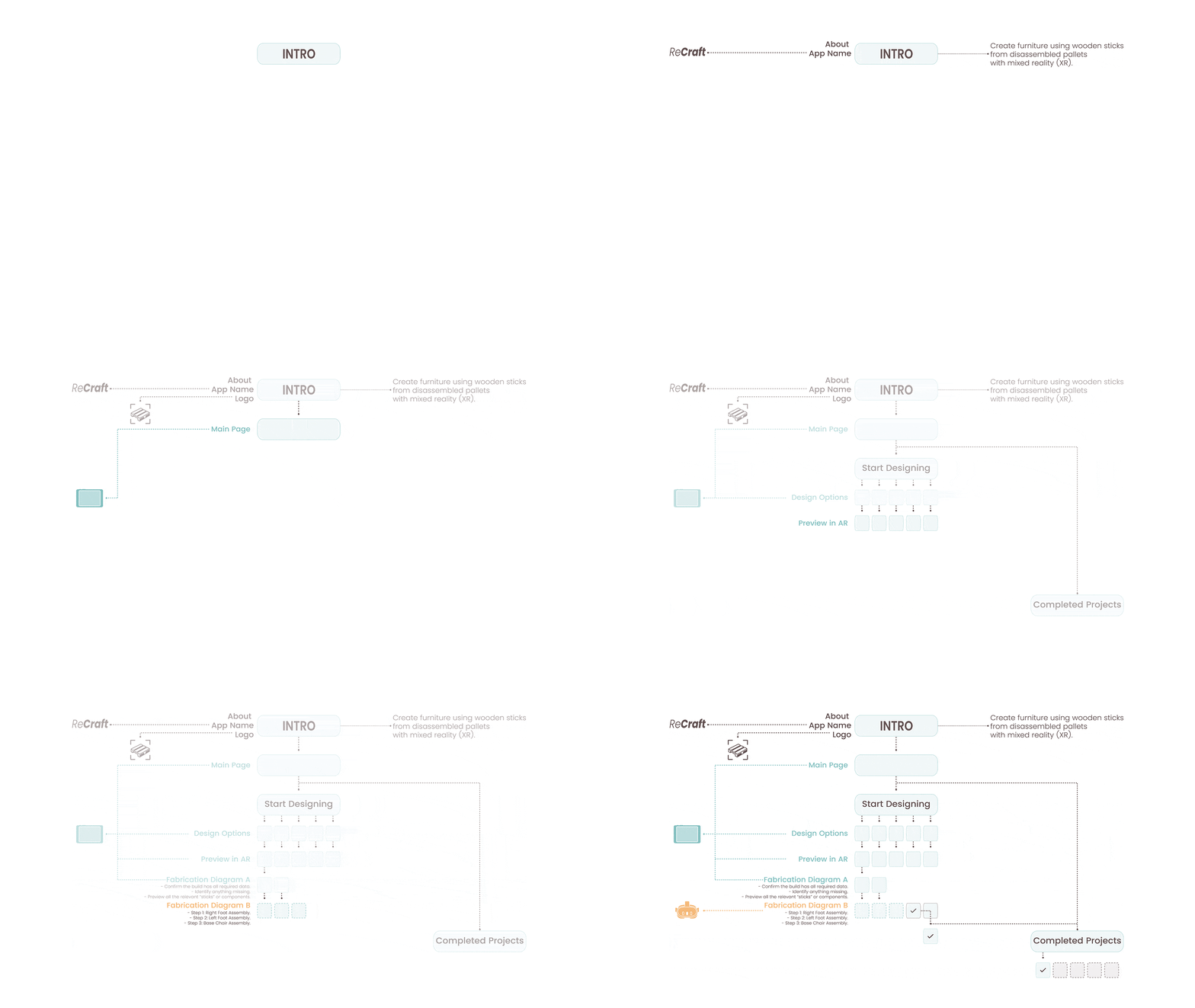
UX-UI Diagram
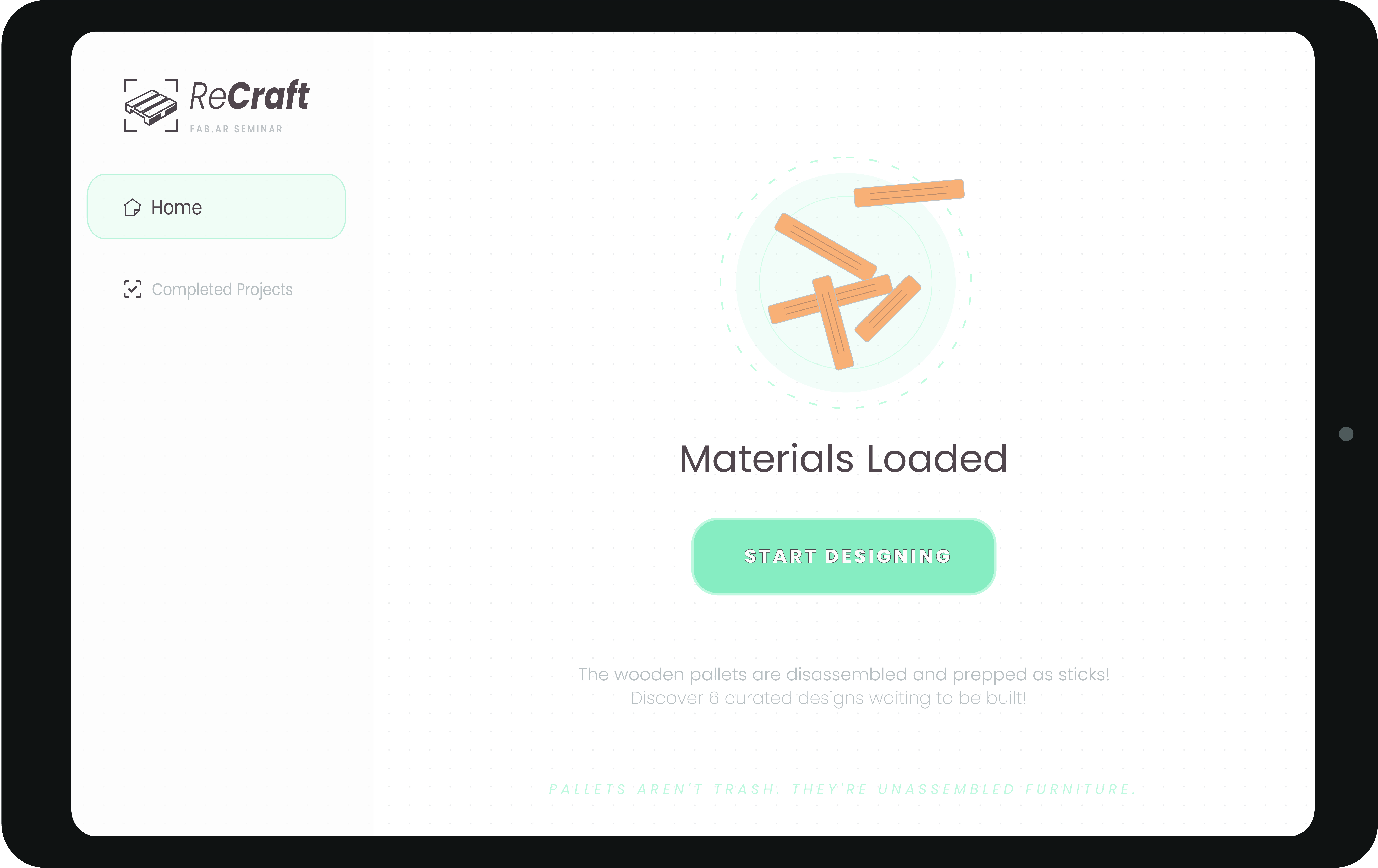
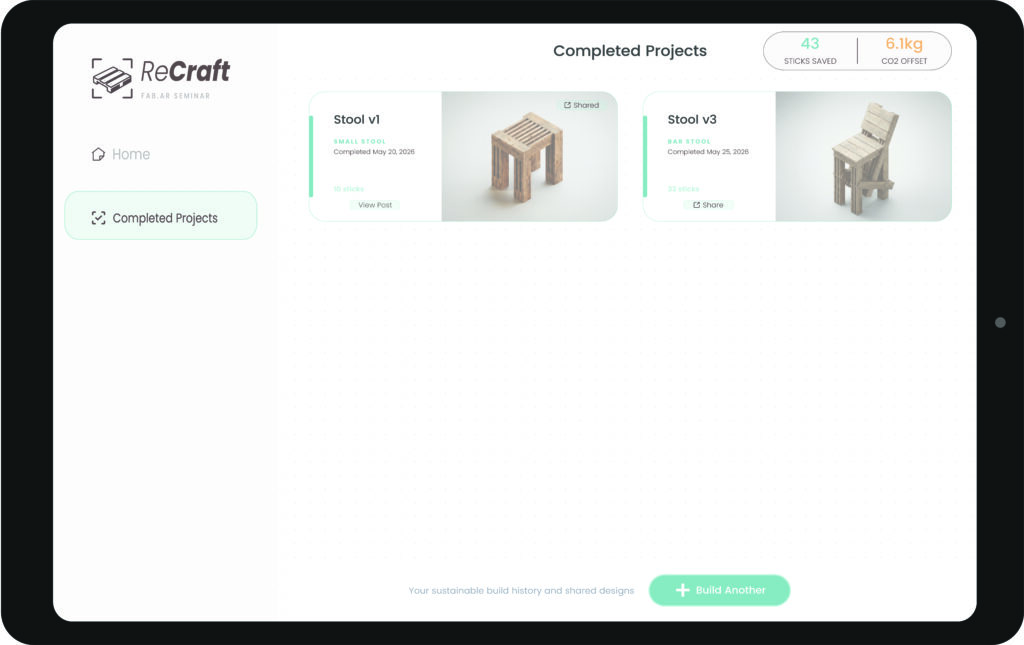
The ReCraft interface begins with a home screen where users can either explore completed projects or select “Start Designing” to access the design catalogue.
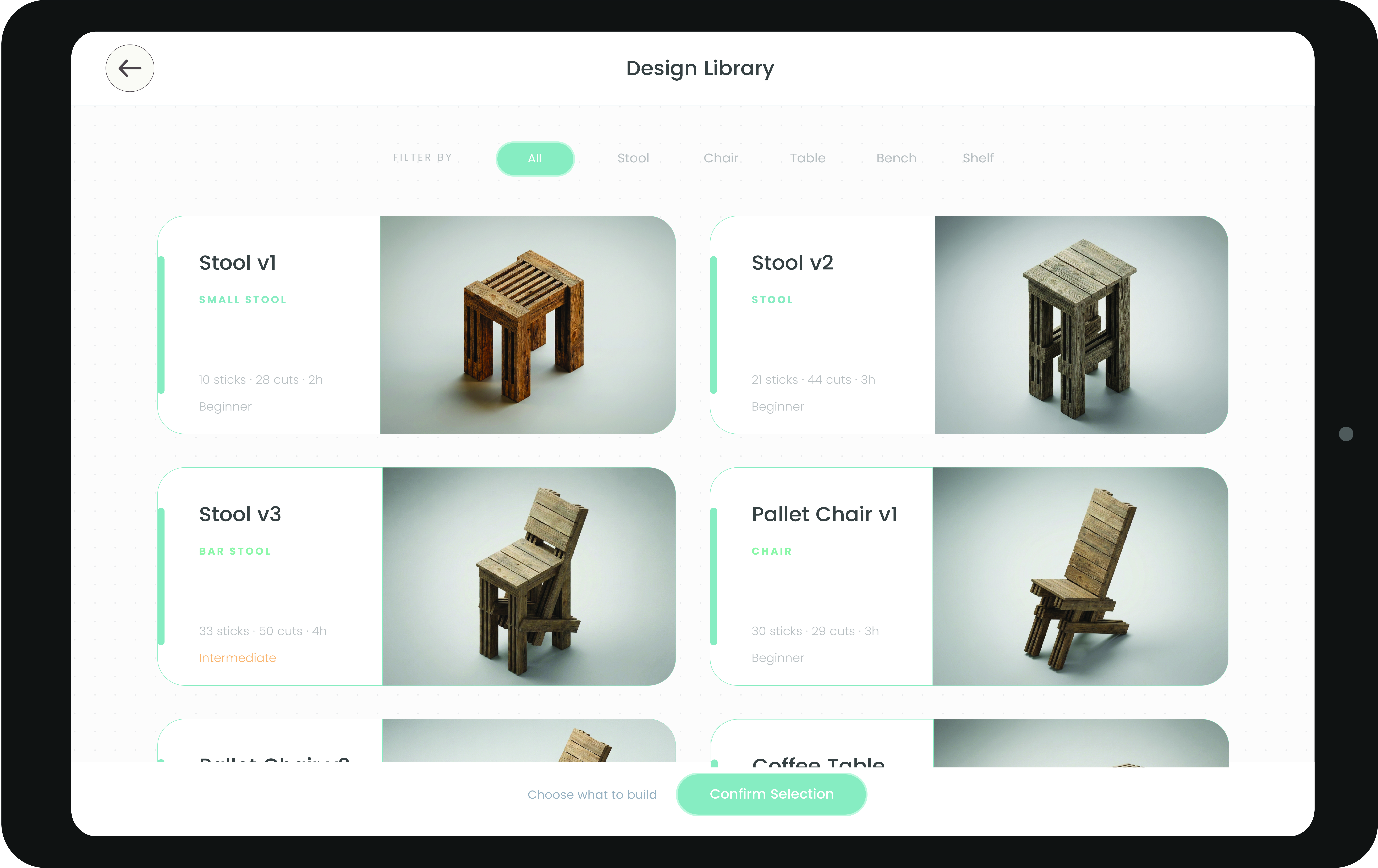
Within the design library, users are presented with a wide catalogue of furniture designs available for selection.
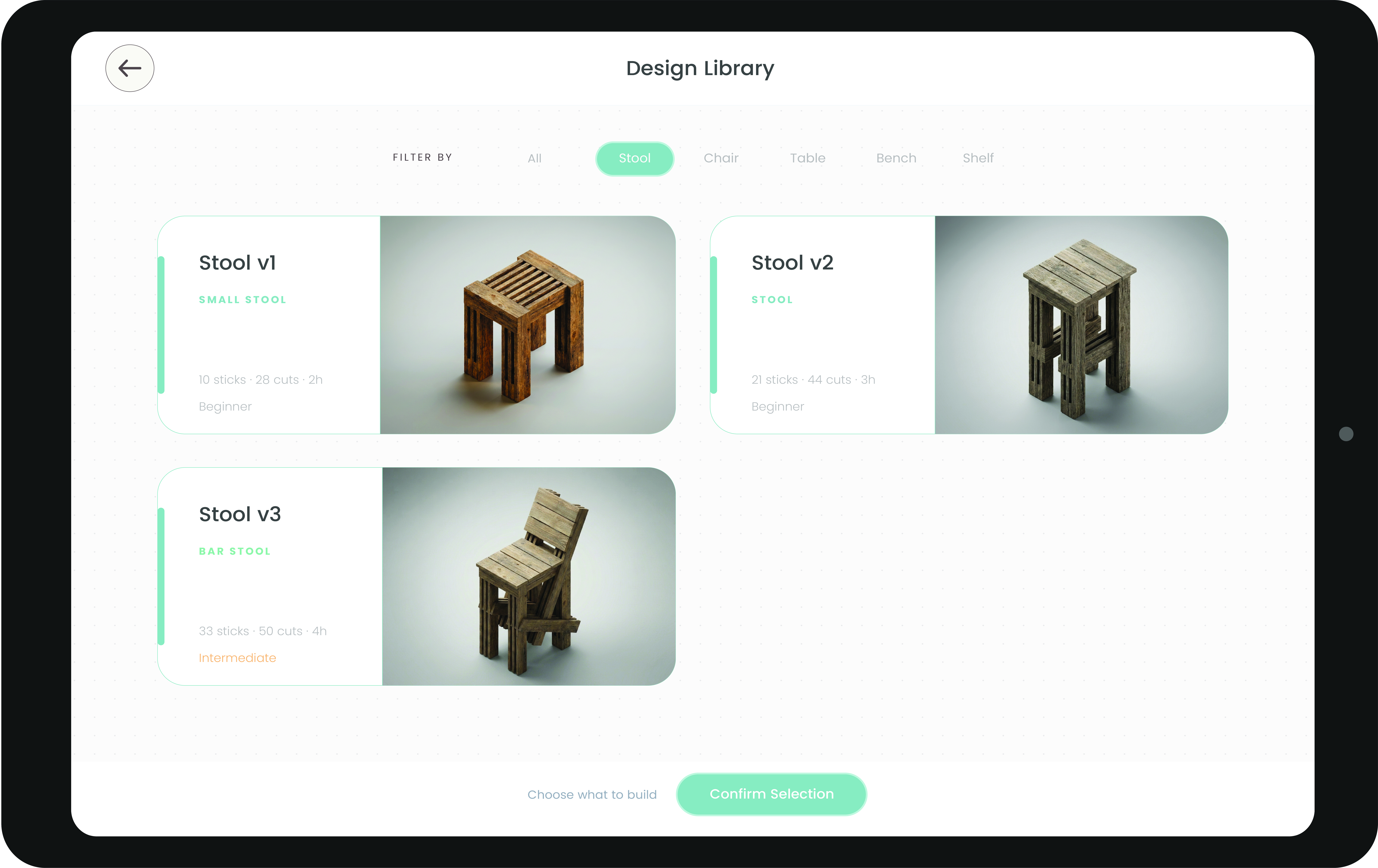
The catalogue can also be filtered by categories. In this example, the interface displays the available stool designs.
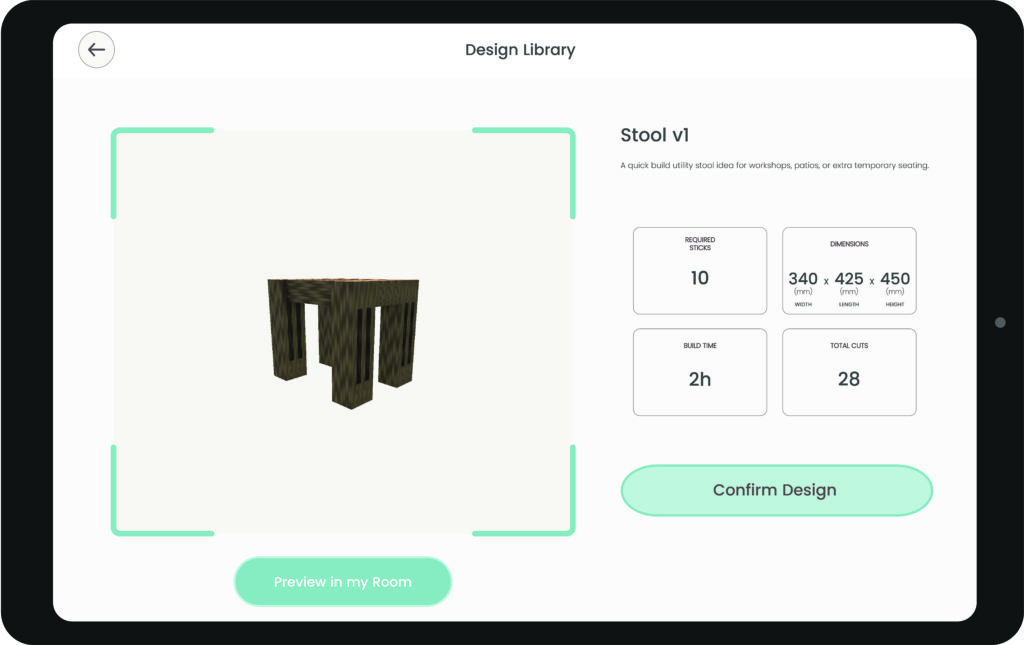
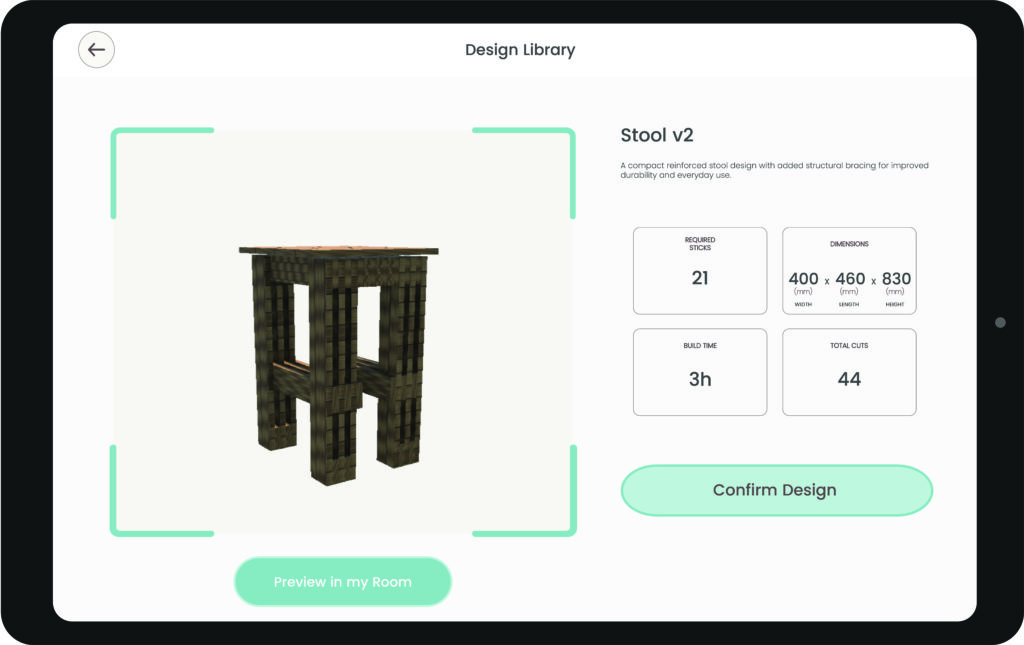
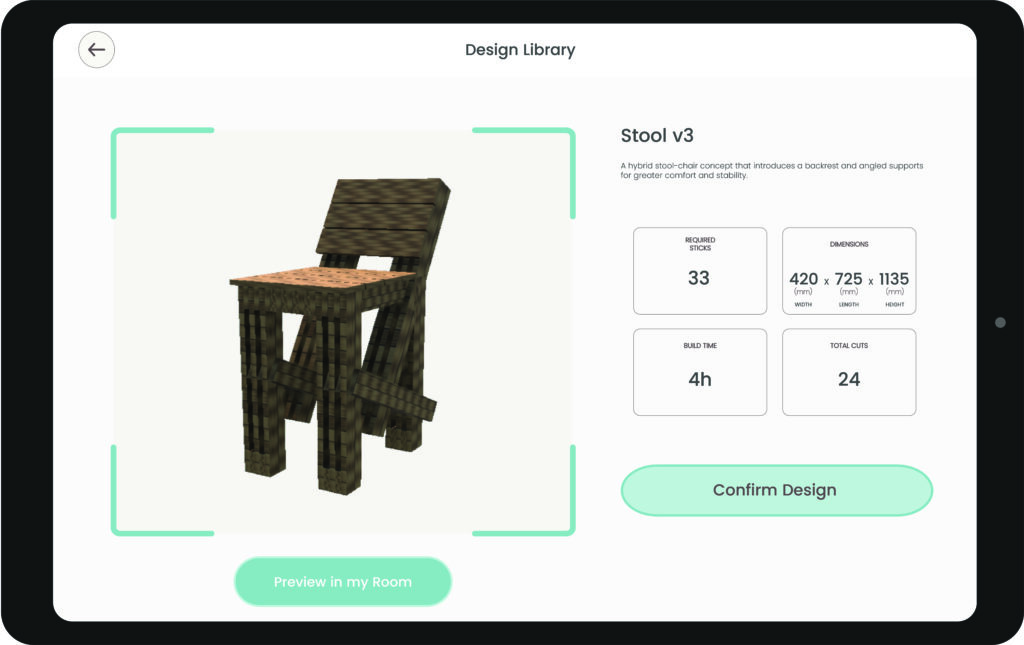
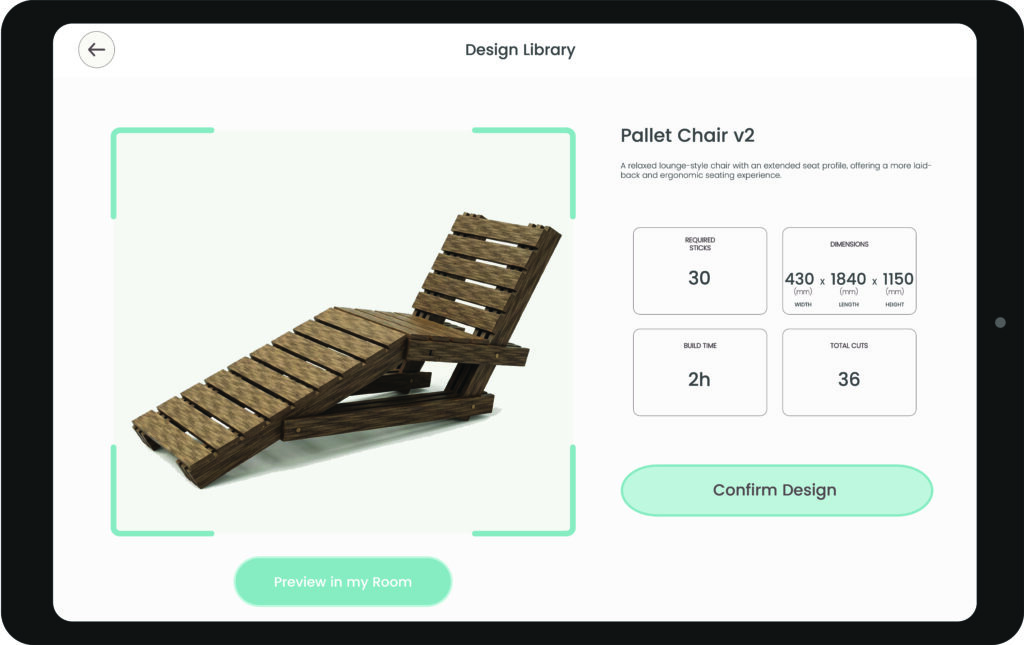
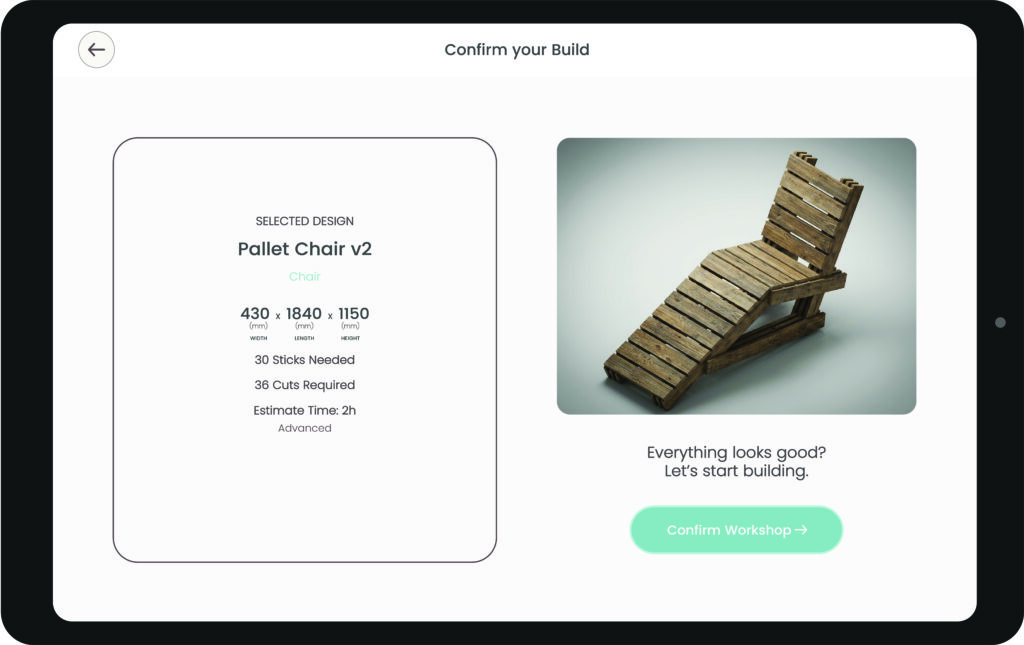
Selecting a specific design reveals detailed information, including the overall dimensions, the required number of sticks for fabrication, and the estimated build time. The Design Library Category demonstrate the detailed specifications and fabrication information associated with each design.
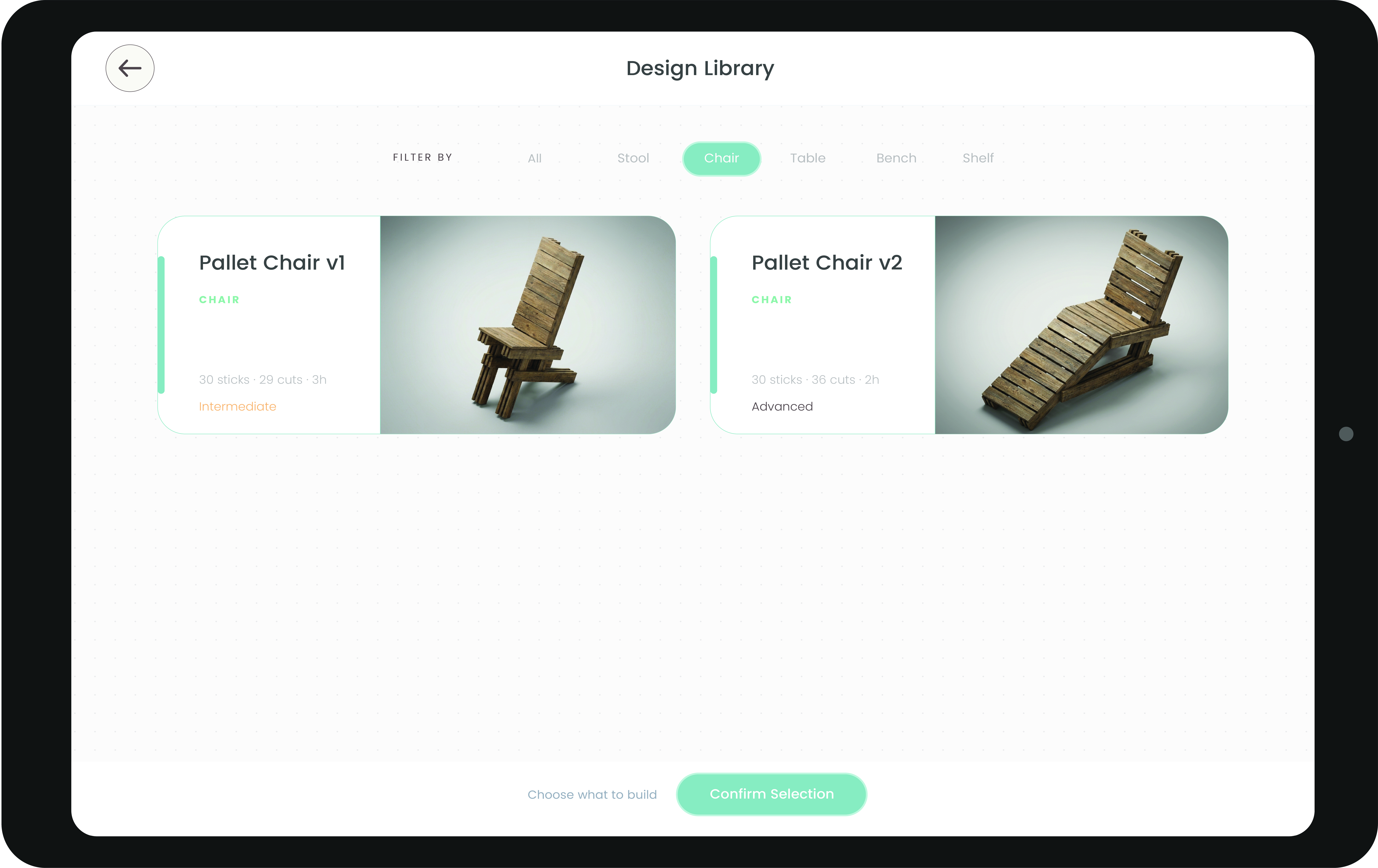
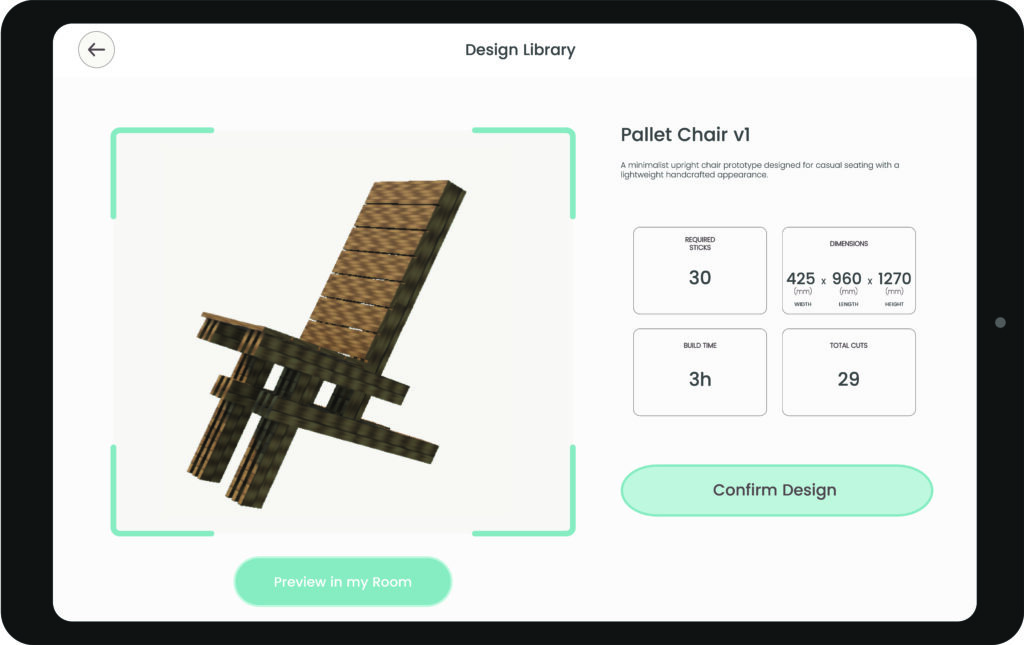
The selection of each chair design includes its corresponding dimensions, material requirements, and fabrication details.
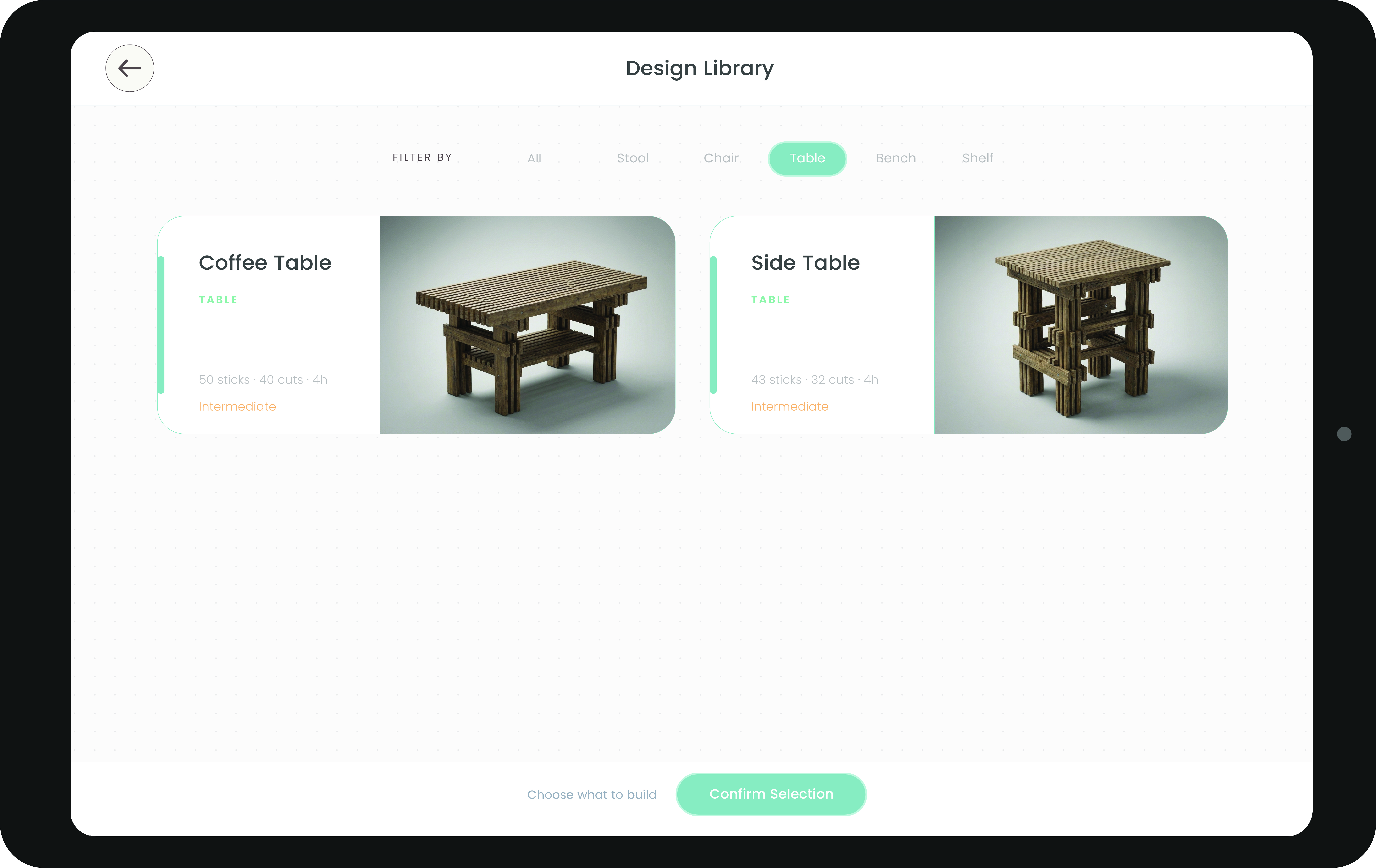
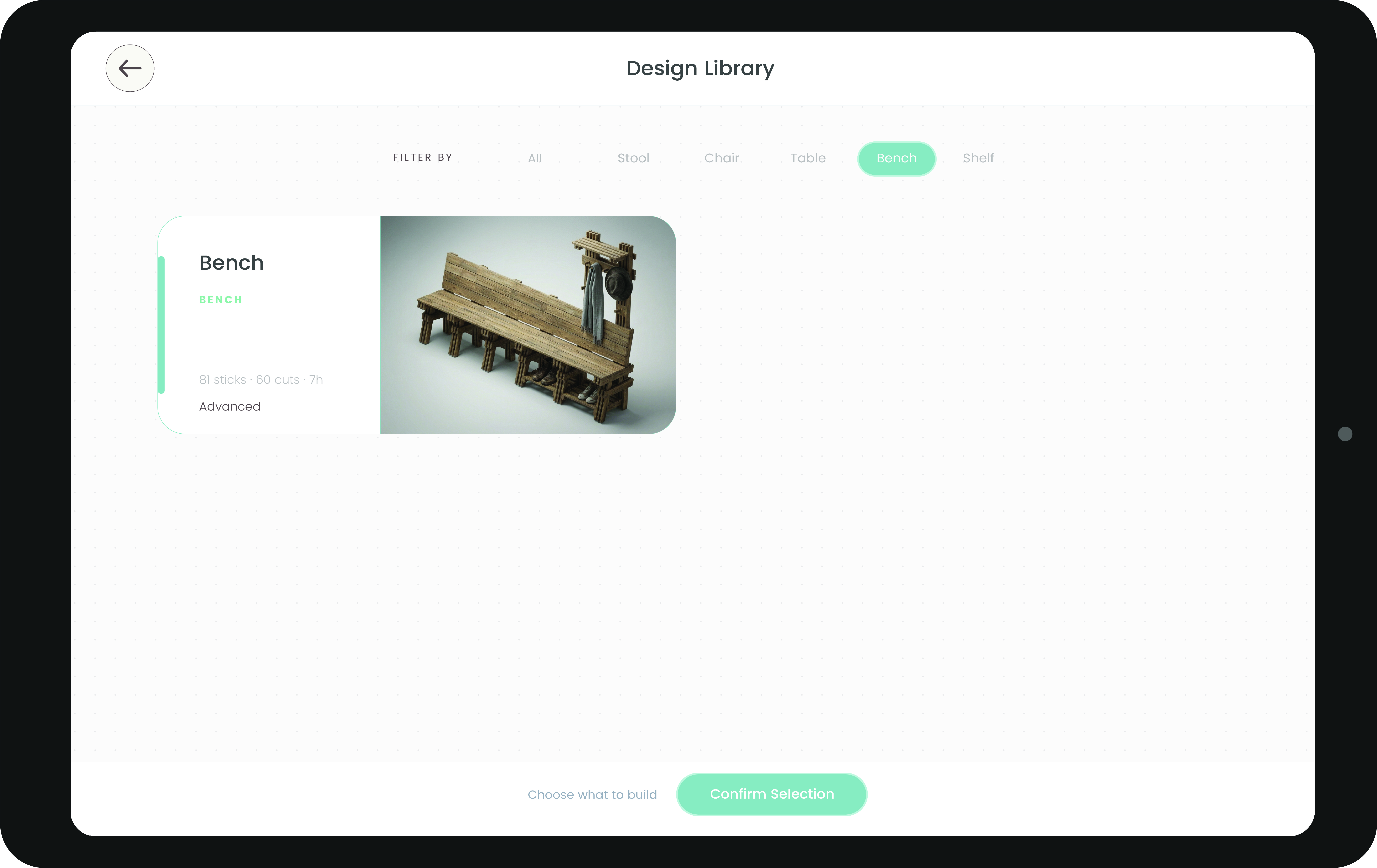
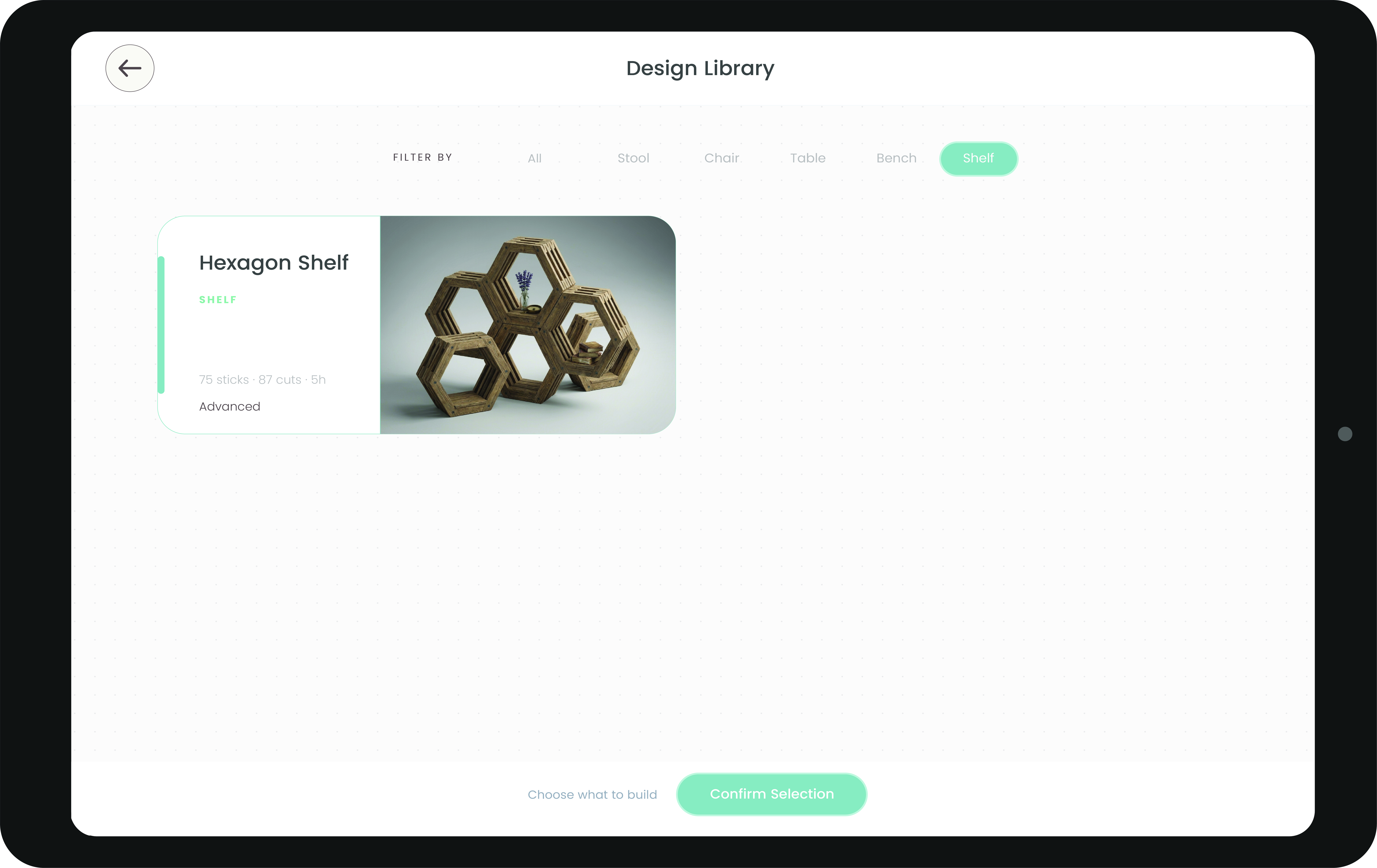
Additional categories within the catalogue include table designs, bench designs and shelf designs, while the catalogue itself remains expandable for future additions.