Our cities have long been shaped around cars — wide roads, narrow sidewalks, and green spaces replaced by parking lots. Cars have quietly become the measure of how we design our streets.
But what if cities were designed for people instead?
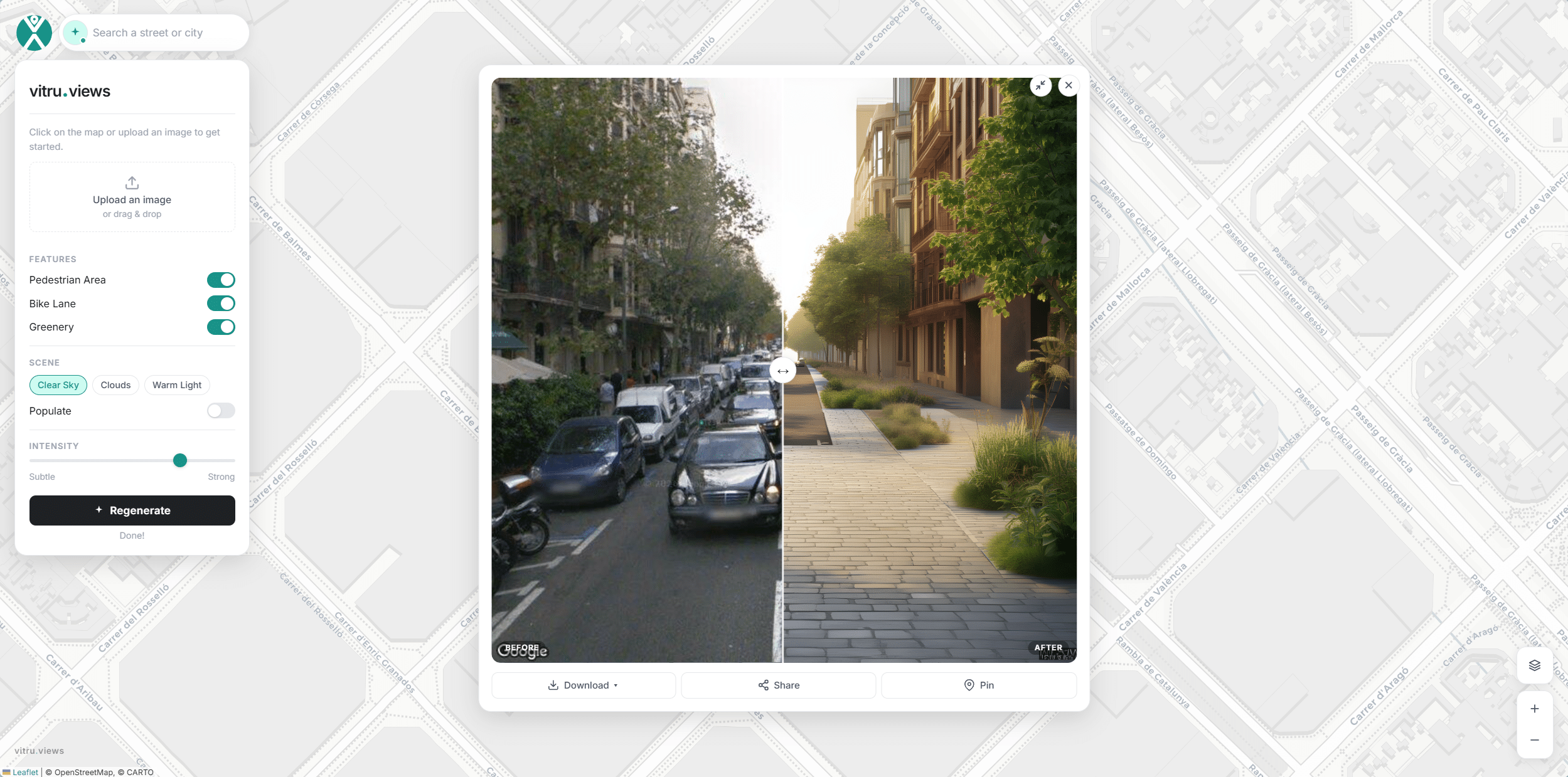
As Fred Polak wrote in Images of the Future, the act of visualizing possible futures can motivate people to help create them. This idea is at the core of vitru.views, a generative AI web app that transforms real street views into greener, more human‑centered scenarios — adding trees, bike lanes, and pedestrian space while reducing asphalt and car dominance.
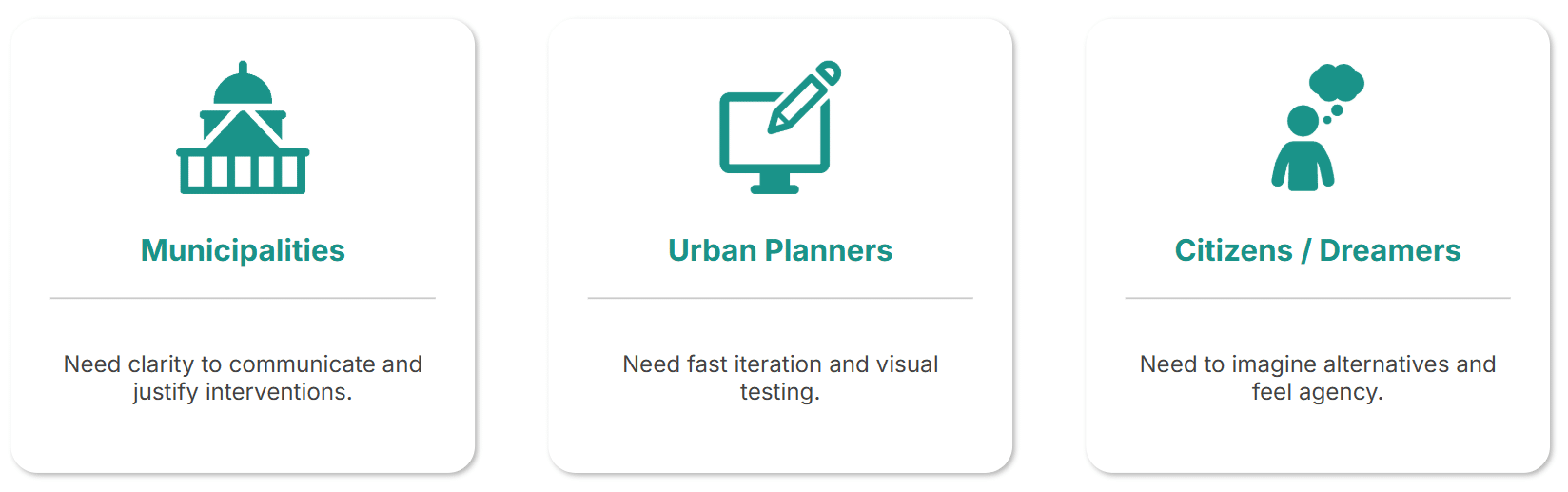
Target Users
The tool was designed for:
- Municipalities communicating urban transformation projects.
- Urban planners needing fast, iterative visualizations.
- Citizens curious to see how their daily routes could evolve into more livable, human‑scale environments.
Workflow
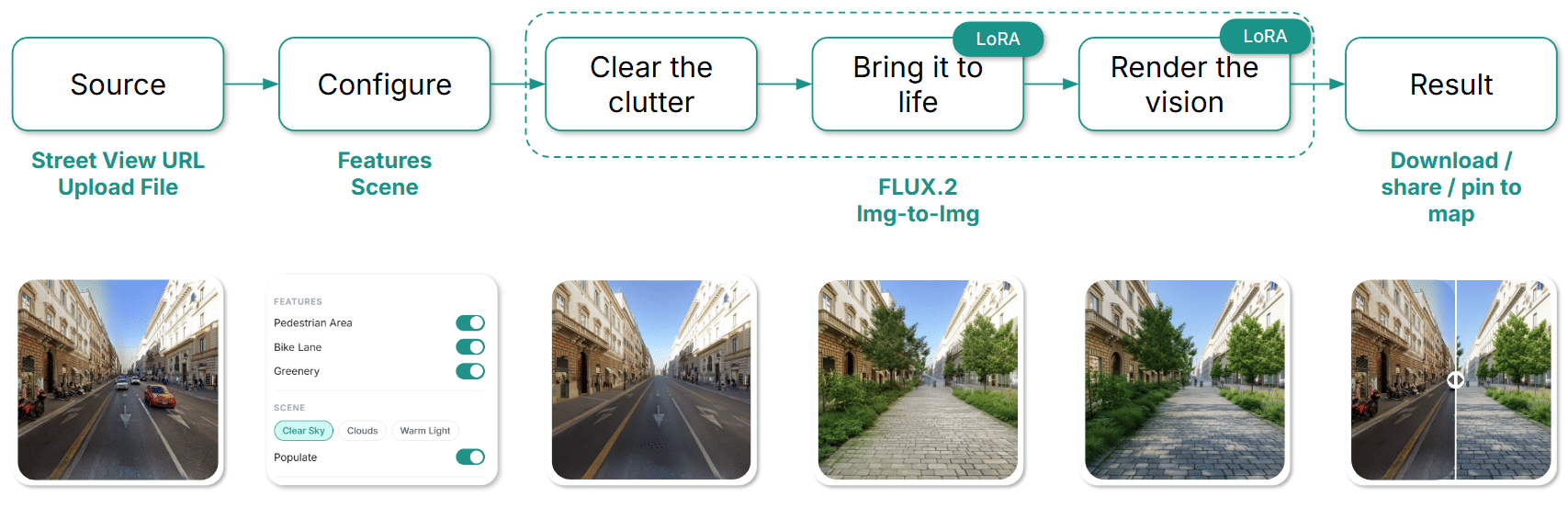
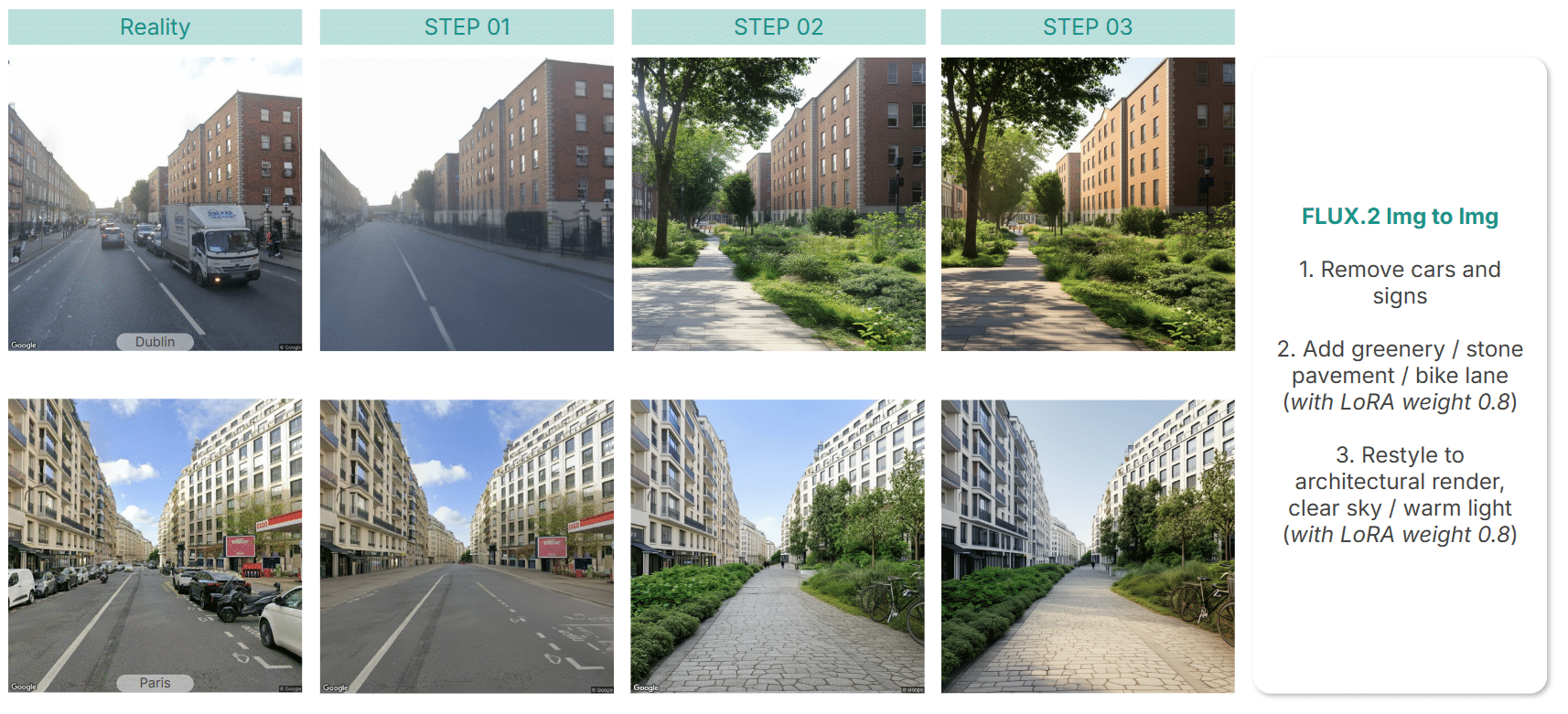
The process begins with an uploaded photo or a Google Street View image. Users select features to add and lighting preferences. The AI then works in three steps:
- Clear the clutter — removing cars, cranes, and signs.
- Bring it to life — adding vegetation, stone pavement, and bike lanes.
- Render the vision — applying architectural style and light.
The result can be downloaded, pinned to a map, or shared — turning imagination into a tangible vision of urban change.
Interface
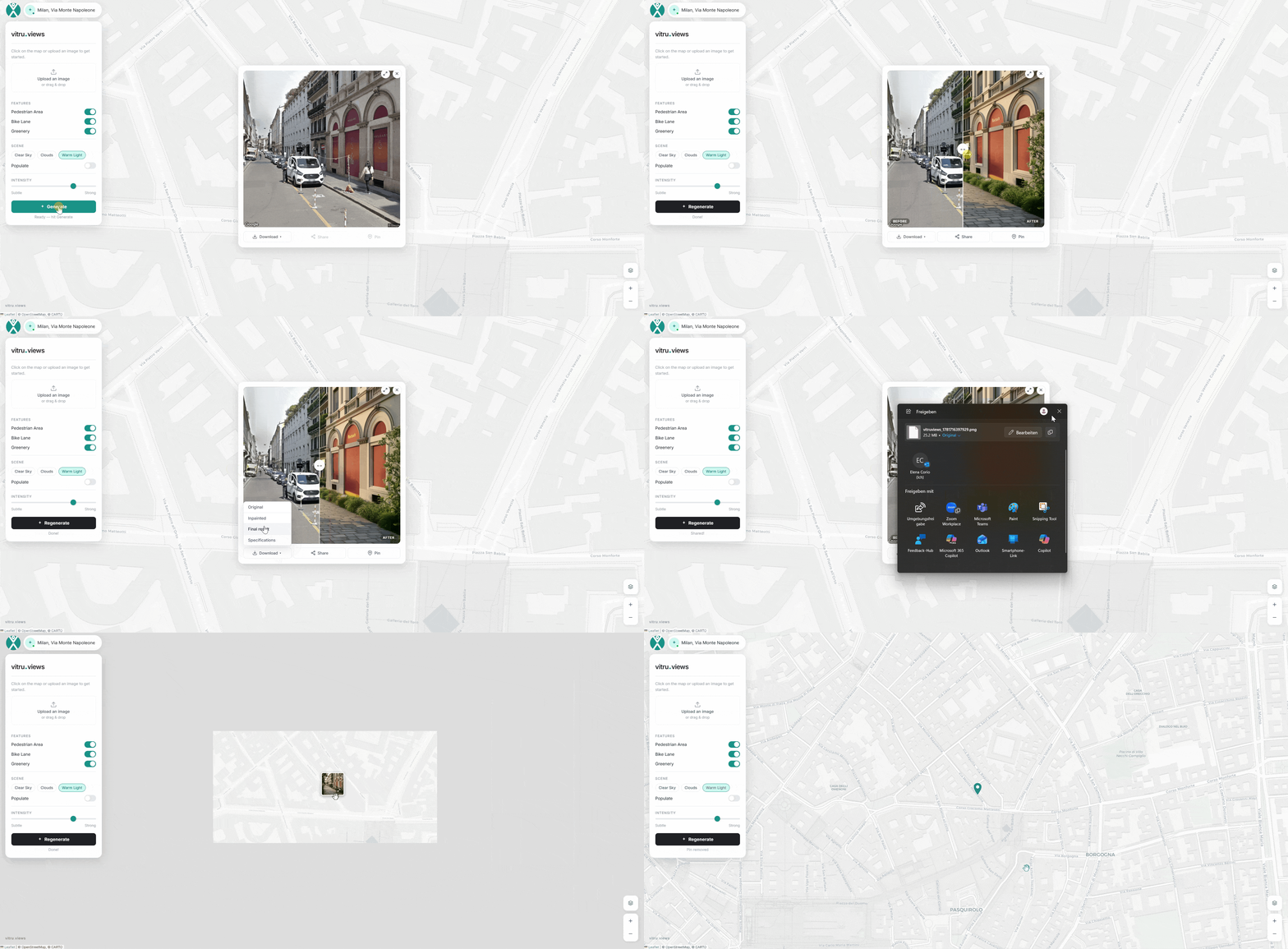
The interface anchors itself on an OSM map. Users can upload an image or search for an address, then click a point to access the corresponding Street View. Pan and zoom controls refine the scene, while the sidebar toggles key features like pedestrian areas, bike lanes, and greenery.
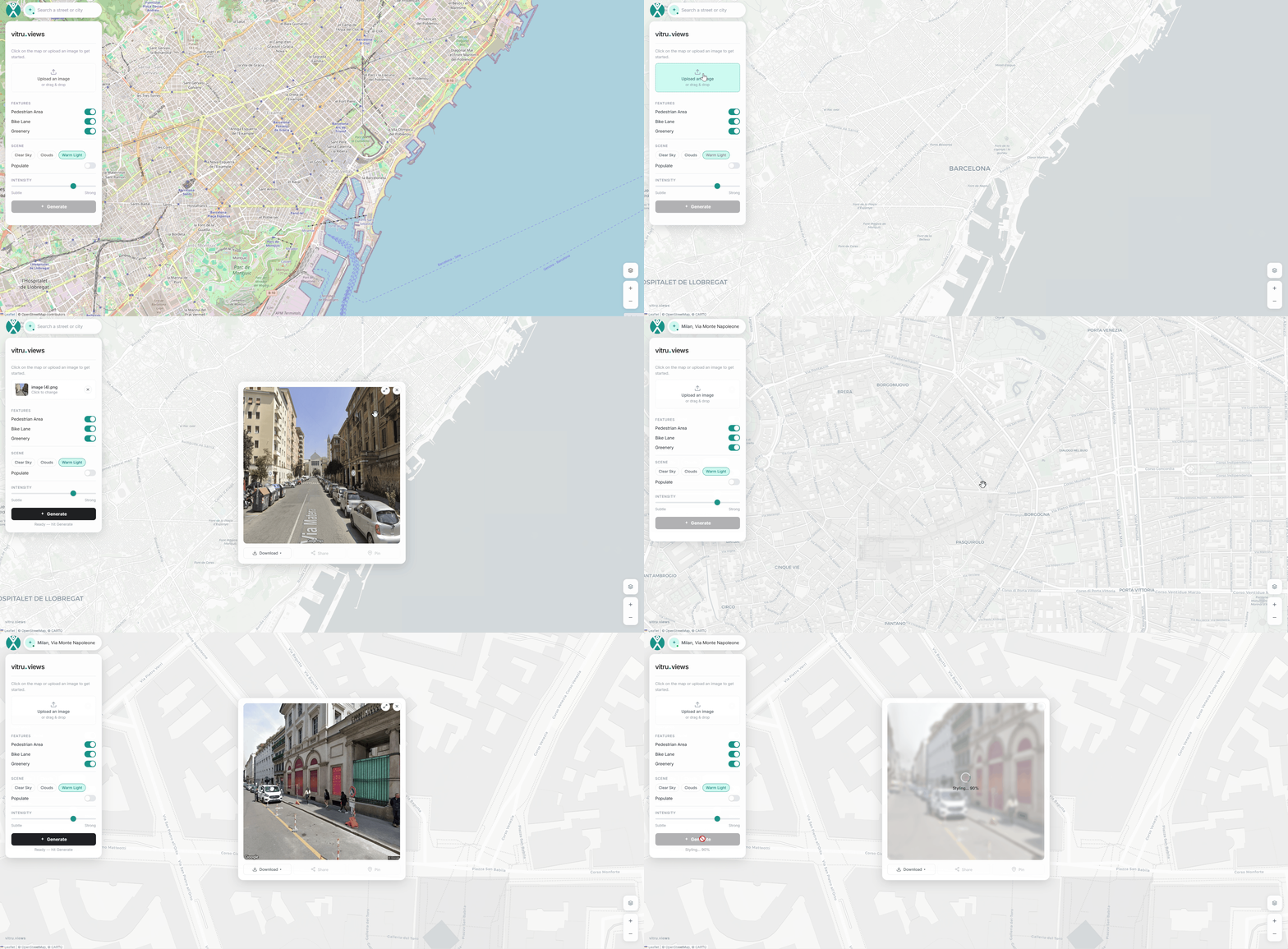
After selecting preferred light and sky conditions, clicking Generate produces a side‑by‑side comparison of the original and reimagined street view. The image can be downloaded with specifications, shared on platforms, or pinned directly to the map. Pinned scenes can later be reopened, regenerated, or deleted — making the workflow both iterative and interactive.
Behind the scene
Dataset
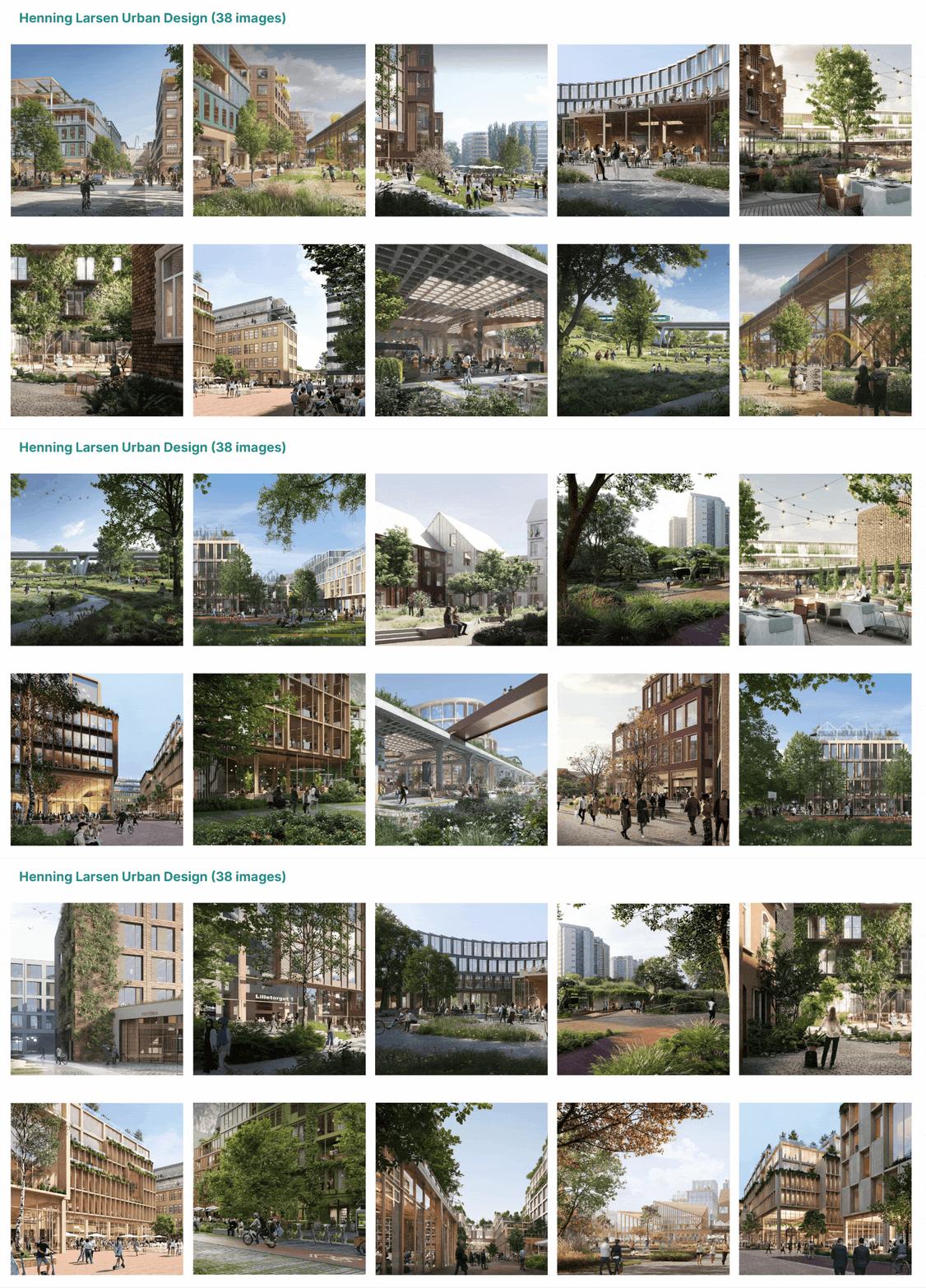
The LoRA training dataset includes 38 renders from Henning Larsen’s urban design projects. Each caption describes design elements, context, materials, colors, light, people, and camera angles — providing rich architectural detail for the AI to learn from.
LoRA Scale
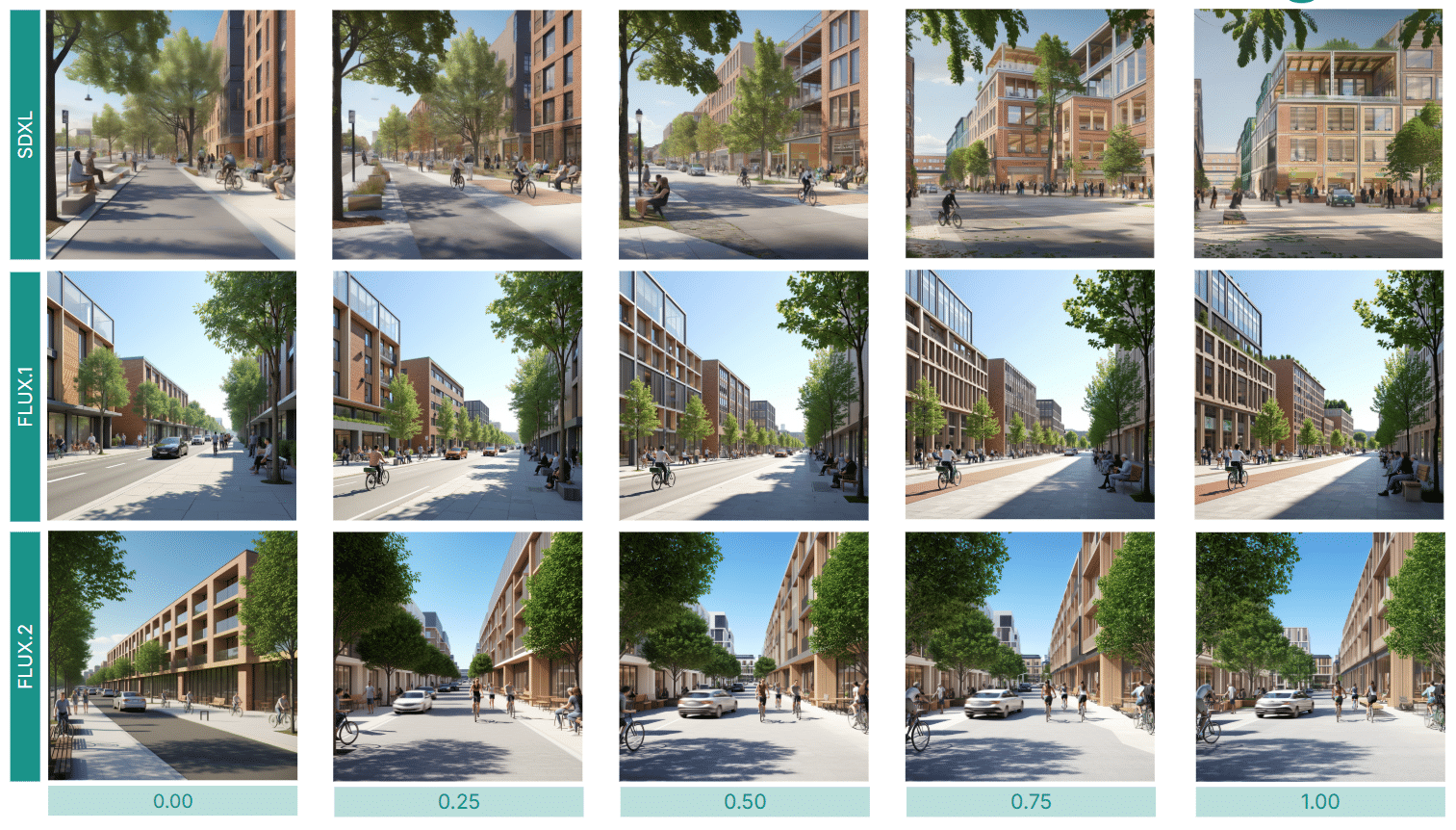
Three LoRAs were trained — across SDXL, FLUX.1, and FLUX.2 — to compare results. FLUX.2 delivered the best performance, especially at scales between 0.75 and 1.
Iterations
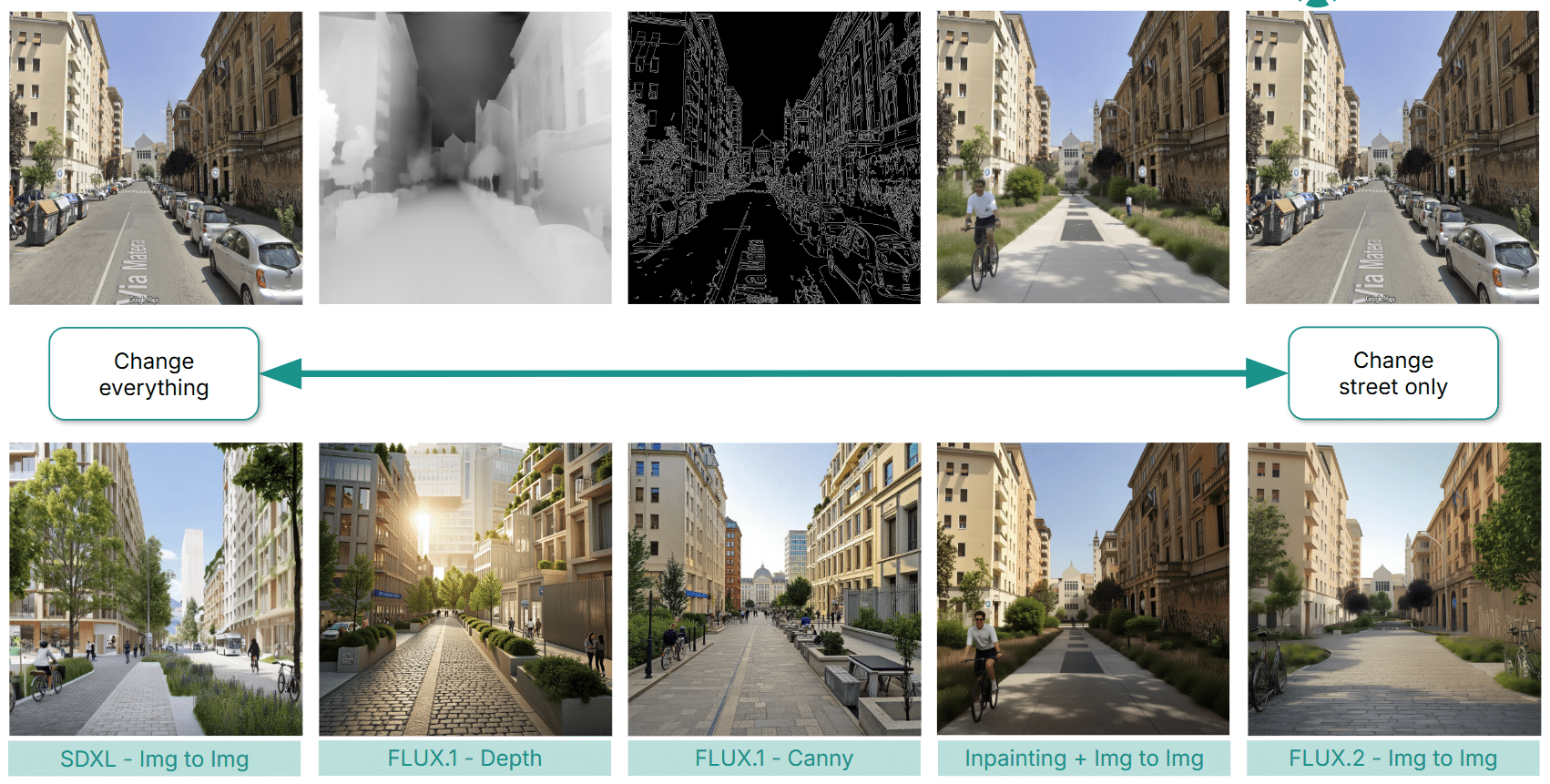
Several workflows were tested: image‑to‑image generation with SDXL, Flux.2 pipelines, and intermediate approaches using Flux.1 canny, depth, and inpainting. Challenges included hallucination, loss of contextual identity (where cities began to look indistinguishable), and limited scalability. Ultimately, the Flux.2 Img‑to‑Img workflow proved most reliable, prompting a breakdown into controlled steps for better precision.
Results
The final workflow unfolds in three stages:
- Removing cars and signs.
- Adding greenery, trees, and pedestrian areas with optional bike lanes.
- Applying architectural style and desired lighting.
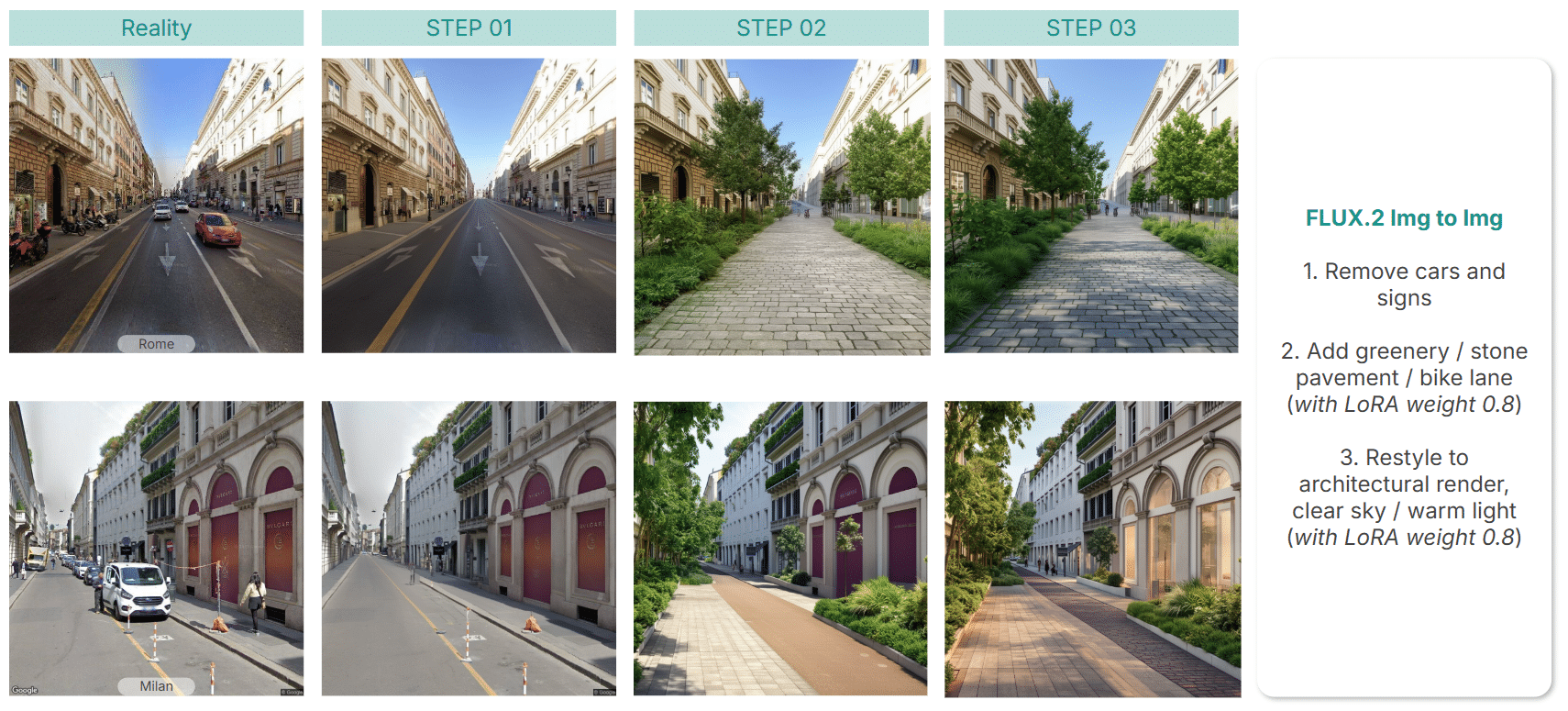
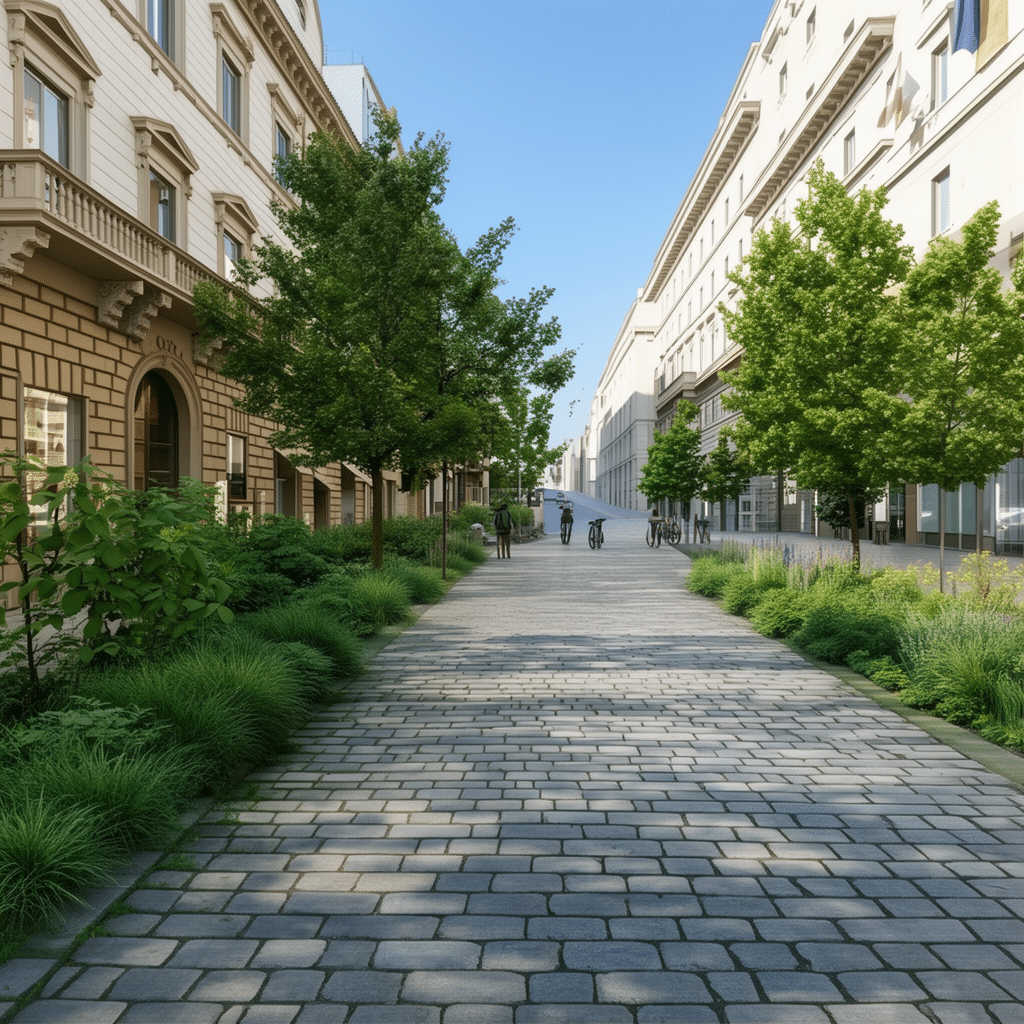
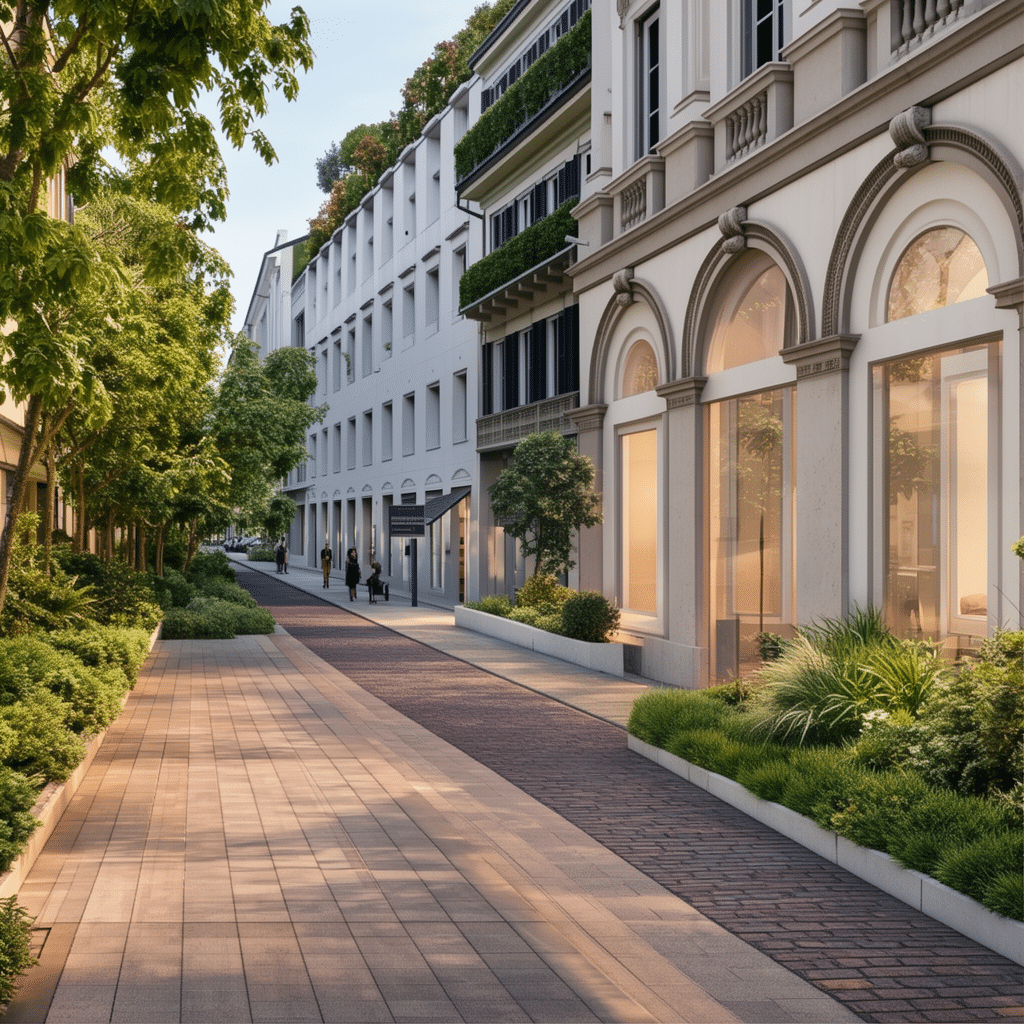
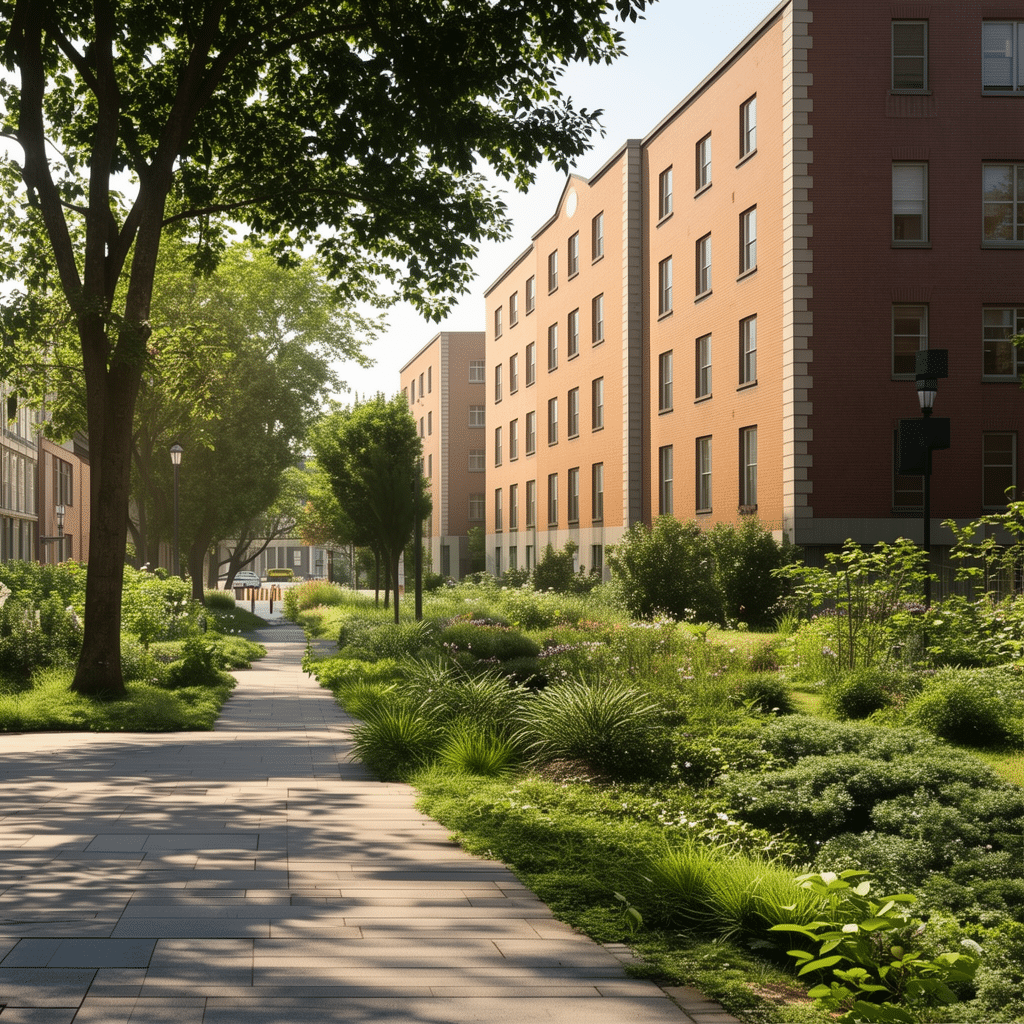
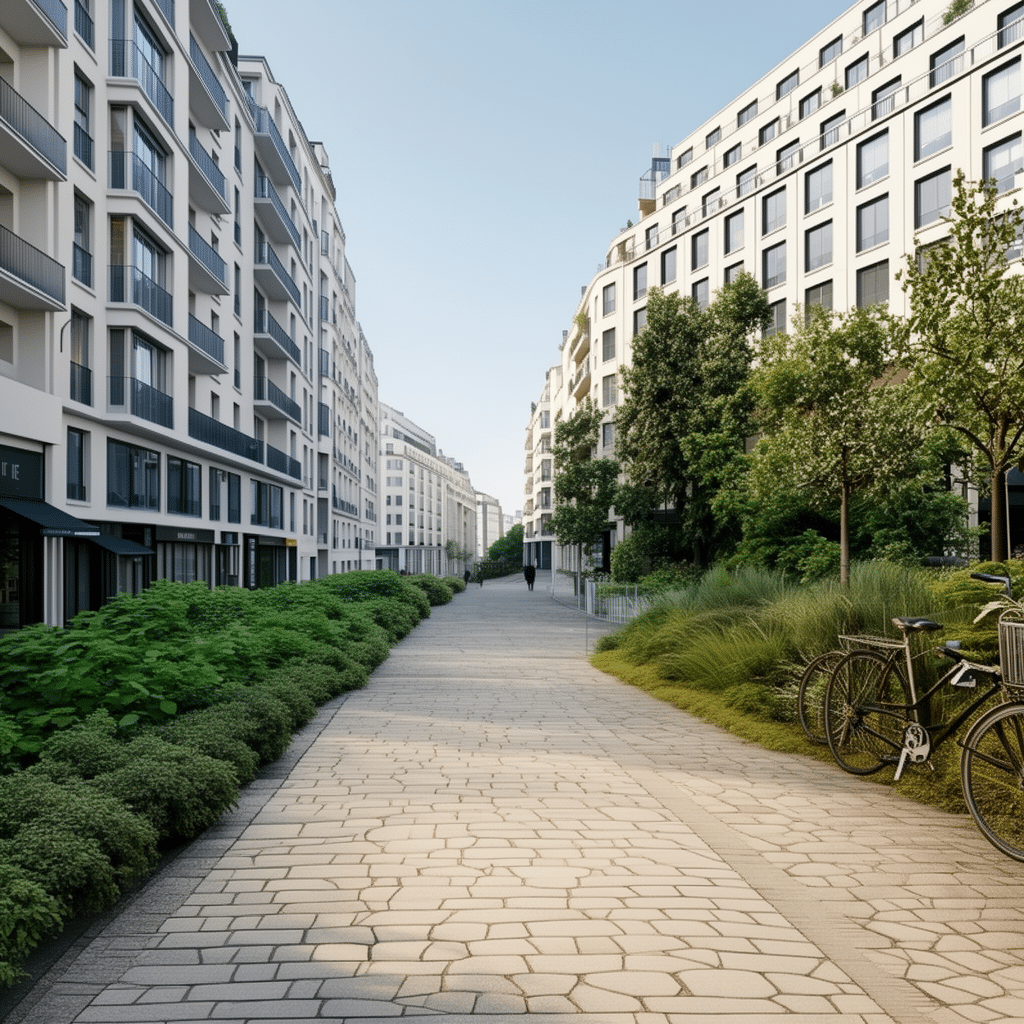
Applied to cities like Rome, Milan, Dublin, and Paris, the results were consistently strong — though adding people remains an open challenge for future iterations.
Conclusions
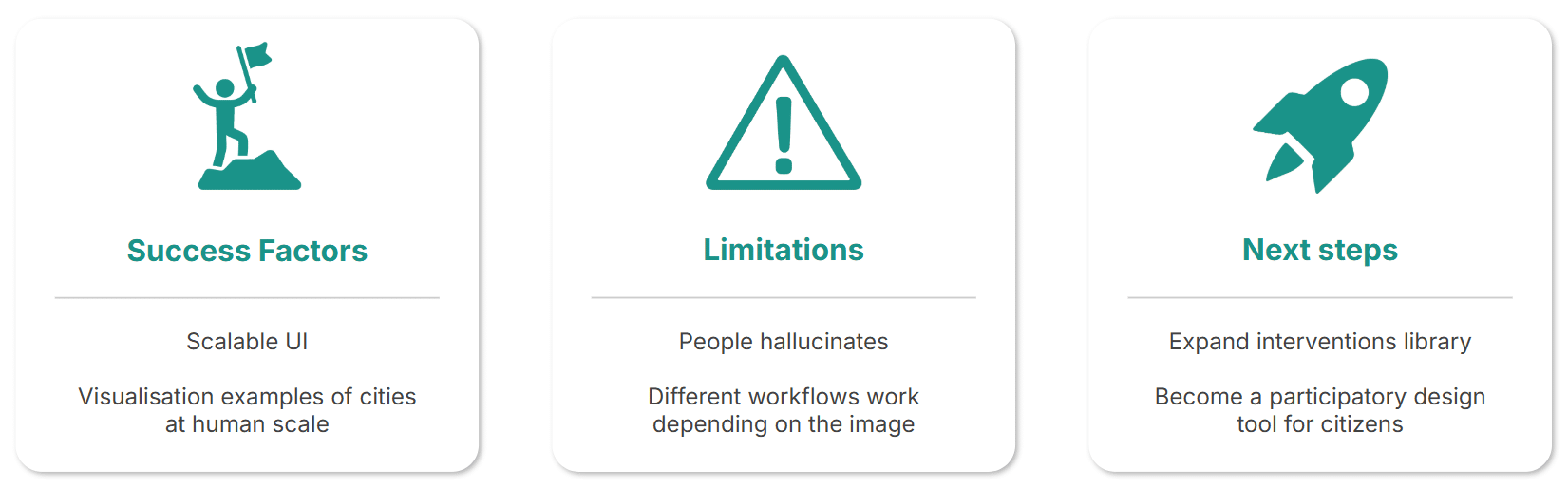
Through vitru.views, we realized a scalable UI for diverse urban studies and visualization experiments. The project demonstrates how generative AI can support urban interventions at a human scale — inspiring planners, designers, and citizens alike.
Looking ahead, we envision vitru.views as a participatory design tool, where communities collaborate to visualize and create greener, more inclusive futures.
Gallery